Toner Save
You can save toner when performing copying, printing received faxes, or report printing.
Off
On
<Menu> <Adjustment/Maintenance> <Toner Save> Select <Off> or <On>
Special Processing
If the print results on special types of paper are not satisfactory, the following settings may improve the quality of the
printouts.
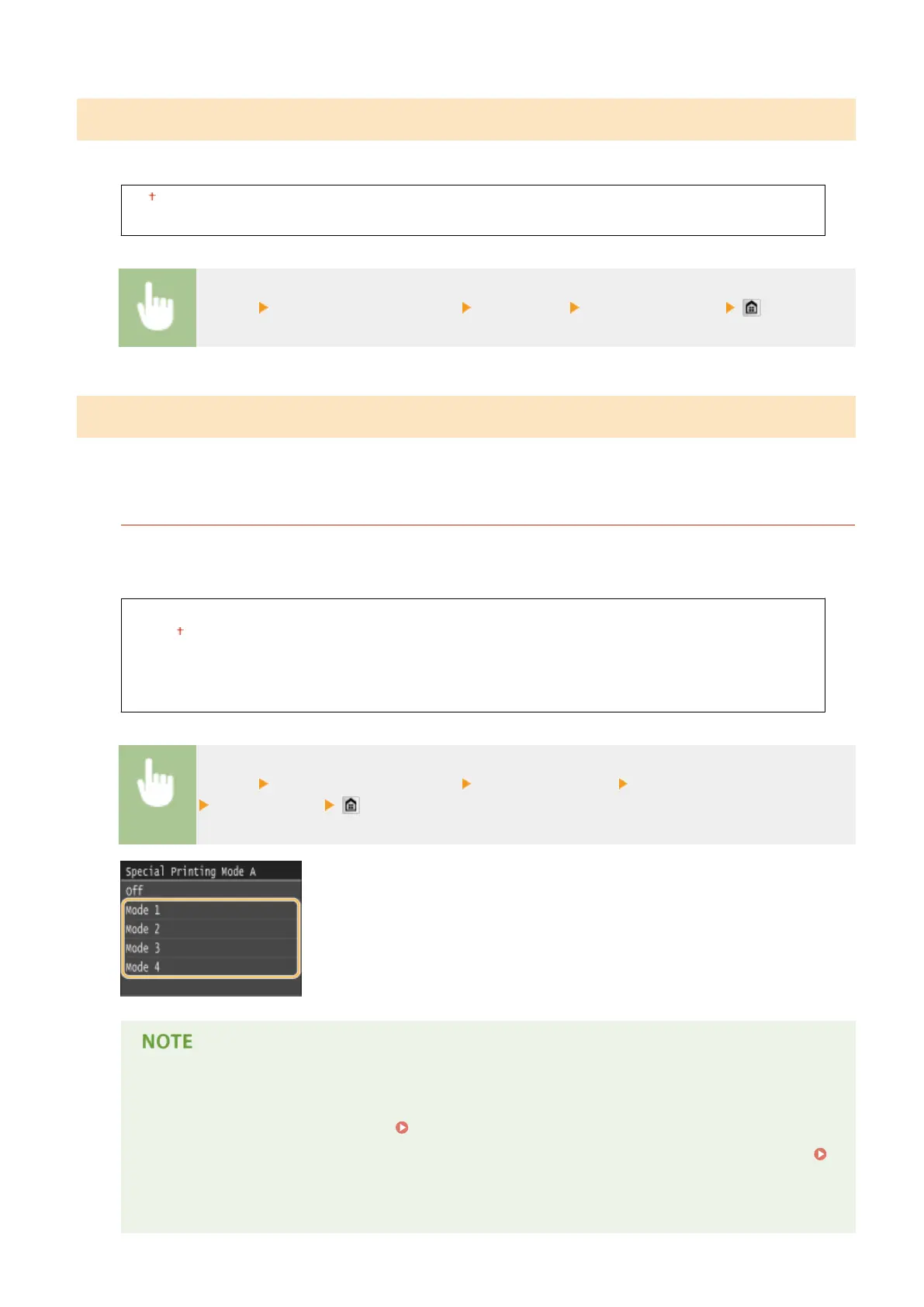
Special Printing Mode A
Streaks may appear on printouts depending on the paper type or the environmental conditions. In this case,
setting this item may solve the problem. The improvement effect is weakest with <Mode 1> and strongest with
<Mode 4>.
Off
Mode 1
Mode 2
Mode 3
Mode 4
<Menu> <Adjustment/Maintenance> <Special Processing> <Special Printing Mode A>
Select the mode
● When printing from the computer, the setting in the printer driver takes precedence. When the
setting of [Graphics Mode] in the printer driver is changed to [UFR II Mode], the setting in the
operation panel takes precedence. Smudges Appear on Printouts(P. 769)
● This item cannot be set when <Barcode Adjustment Mode> is set to one of <Mode 1> to <Mode 3>.
Barcode Adjustment Mode(P. 681)
● Print density will be lighter when you select stronger improvement. It may also result in less sharp
edges and rougher details.
Setting Menu List
702











 To Next Page