Installing e-Manual
0UWX-0FU
Install the e-Manual on your computer by using the provided DVD-ROM that comes with the machine.
1
Insert the provided DVD-ROM into the drive on the computer.
● Select a language and click [OK] if you are prompted to do so.
2
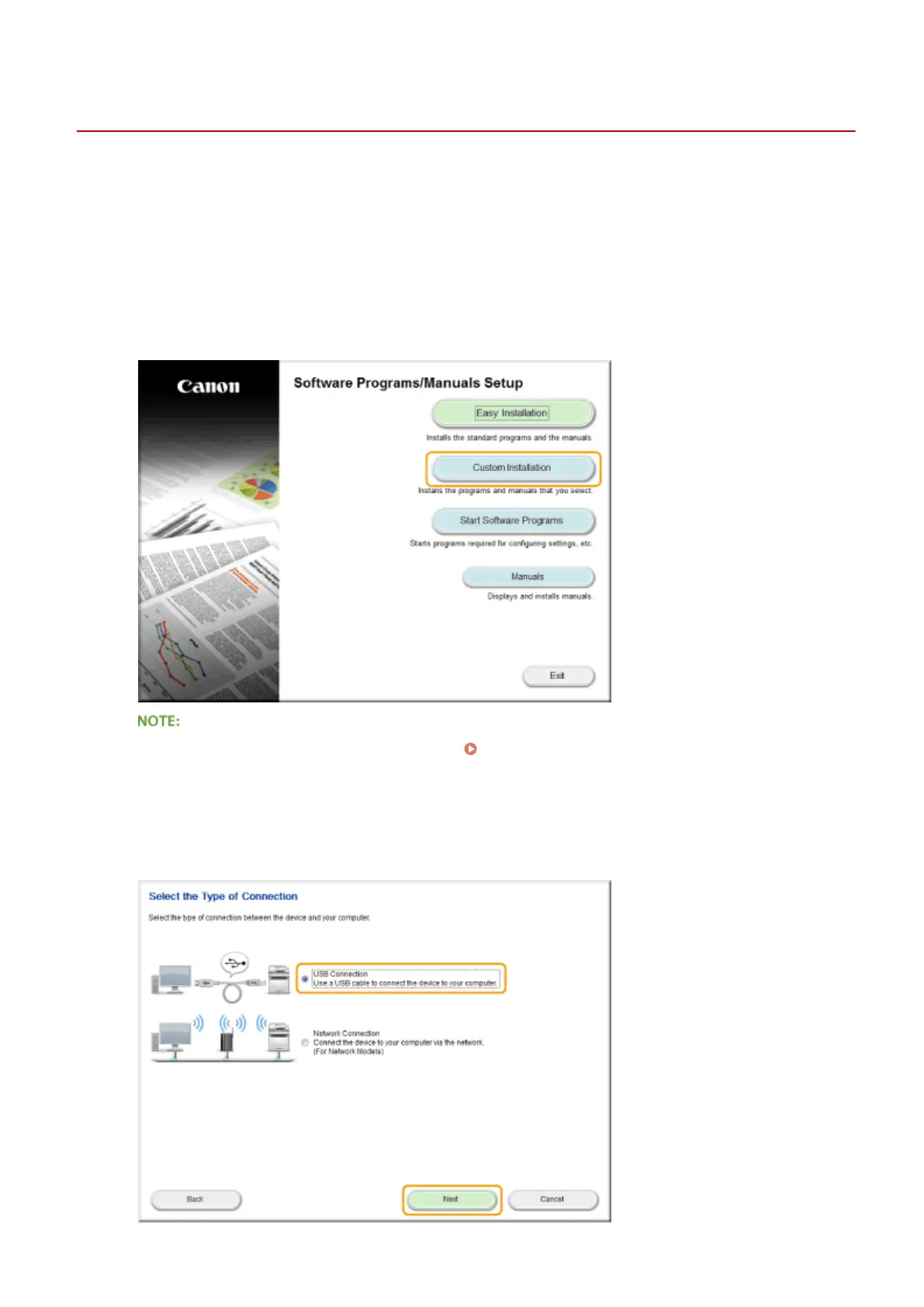
Click [Custom Installation].
● If the above screen is not displayed, see Displaying the [Software Programs/Manuals Setup]
Screen(P. 893) .
● If [AutoPlay] is displayed, click [Run MInst.exe].
3
Select [USB Connection], and click [Next].
Appendix
875











 To Next Page