● Select [USB Connection], even if connected using a network.
4
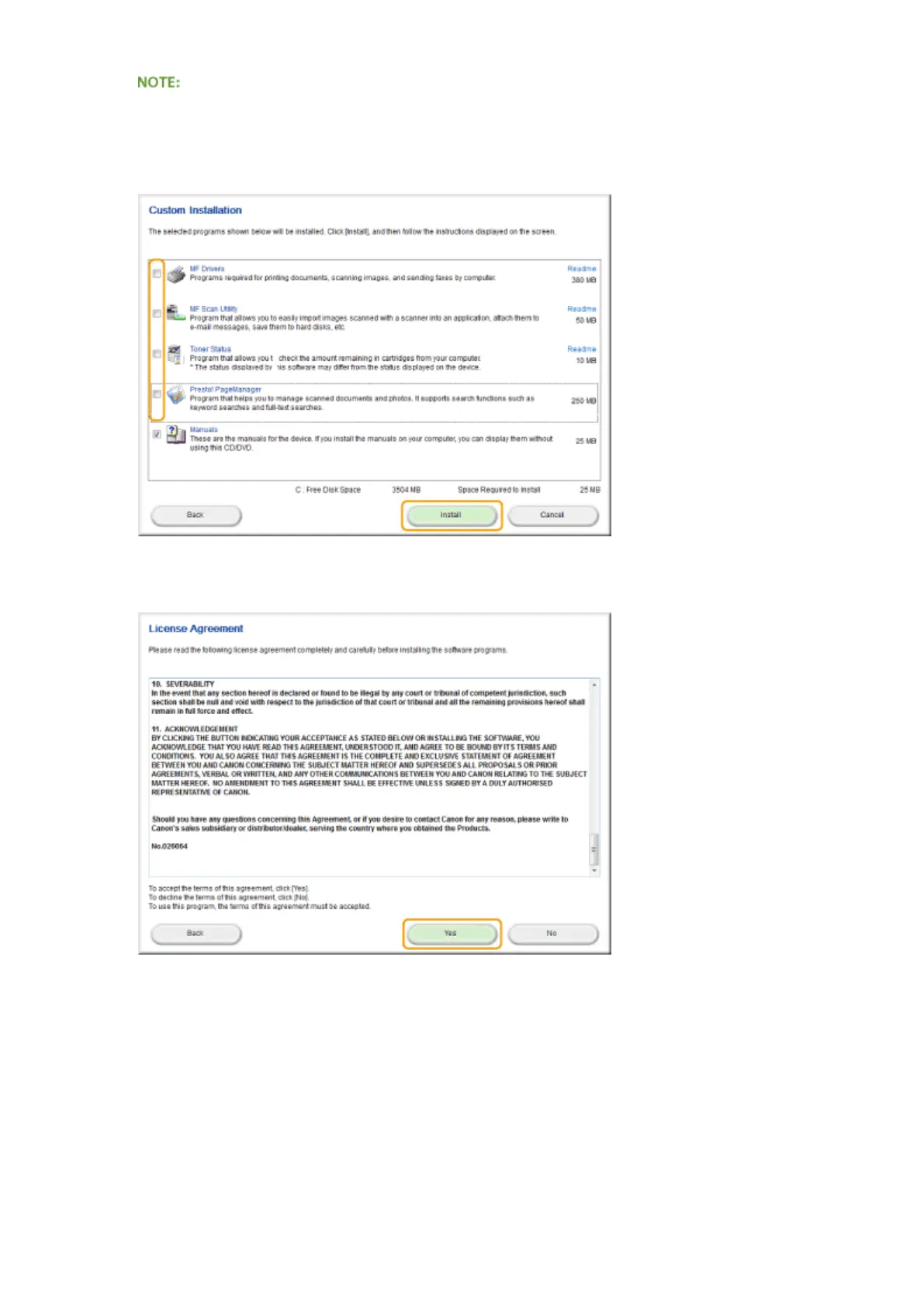
Clear all the check boxes except for [Manuals], and click [Install].
5
Read the License Agreement and click [Yes] to agree.
6
Select a language and click [NEXT].
7
Click [Install].
● If you want to change the installation location, click [Browse] and specify the desired location.
Appendix
876











 To Next Page