Specifying Detailed Settings
0UWX-05U
This section describes the settings available when scanning documents. These settings include specifying the le
format into which documents are converted and adjusting density to improve the appearance of scanned documents
as well as the basic settings such as specifying the document orientation or scanning size.
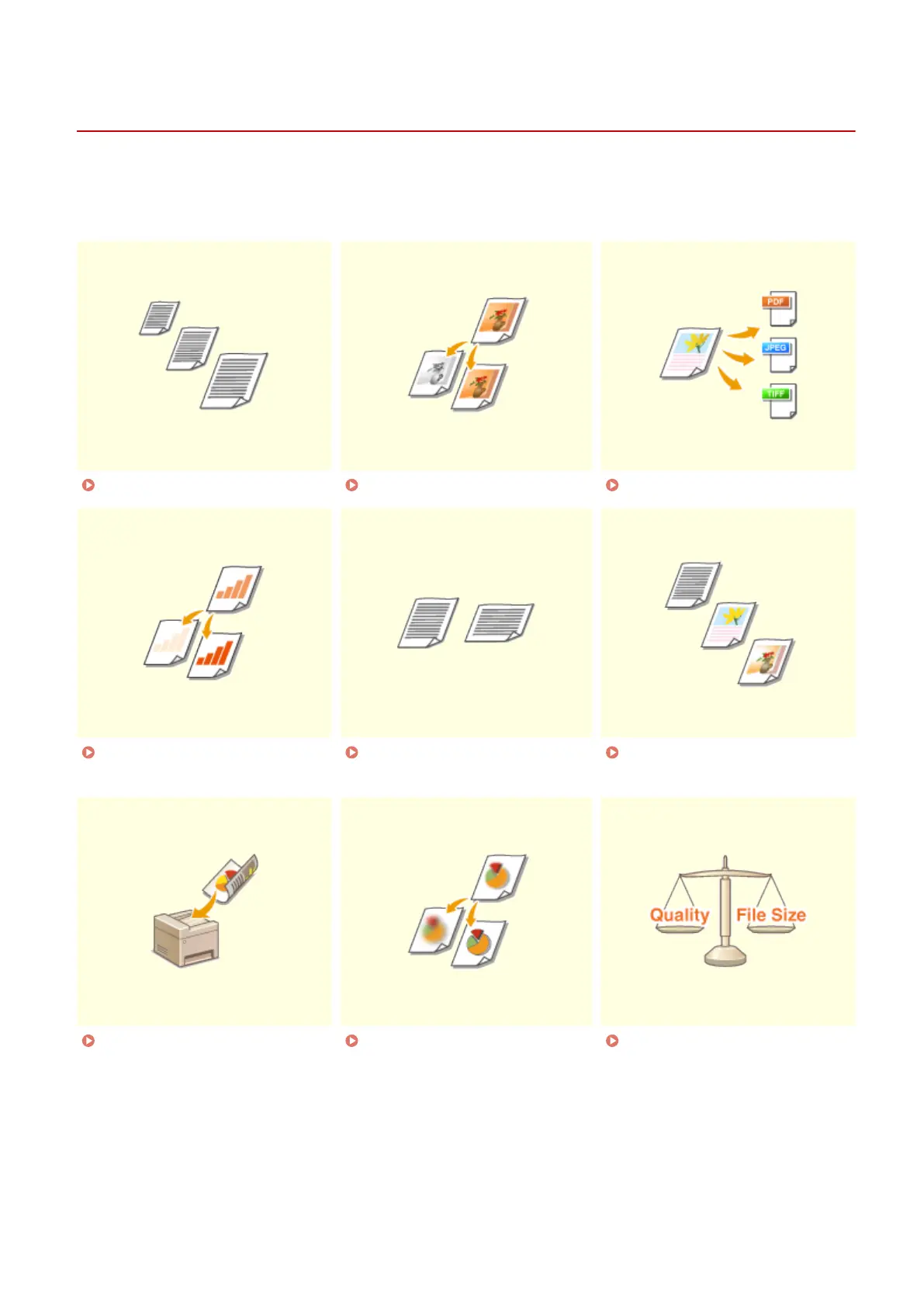
Specifying a Scanning Size(P. 349) Setting Color Mode(P. 350) Selecting a File Format(P. 351)
Adjusting Density(P. 353) Specifying Orientation of Your
Document(P. 354)
Selecting Document Type(P. 355)
Scanning 2-Sided
Documents(P. 356)
Adjusting Sharpness(P. 357) Adjusting Balance between File
Size and Image Quality(P. 359)
Using the Machine as a Scanner
347











 To Next Page