Sending Documents as E-Mails Directly from the
Machine
0UWX-05L
This section describes how to scan documents and send them as e-mails directly from the machine. Scanned
documents are sent as e-mail attachments in JPEG, PDF, or other digital le formats. You can specify multiple
destinations, including Cc/Bcc destinations, just like you can when sending normal e-mails.
● To send e-mails directly from the machine, you must complete preparations in advance, including
specication of mail server settings. Conguring Scan Settings (Sending E-Mail, Sending & Receiving I-
Faxes)(P. 462)
● When you specify multiple destinations, the second and following destinations must be ones registered in
the Address Book or in an LDAP server. As for Cc and Bcc, you can only specify destinations registered in the
Address Book. To use the Address Book or an LDAP server, you must complete the necessary registration
procedure in advance.
Registering in the Address Book(P. 78)
Registering LDAP Servers(P. 499)
1
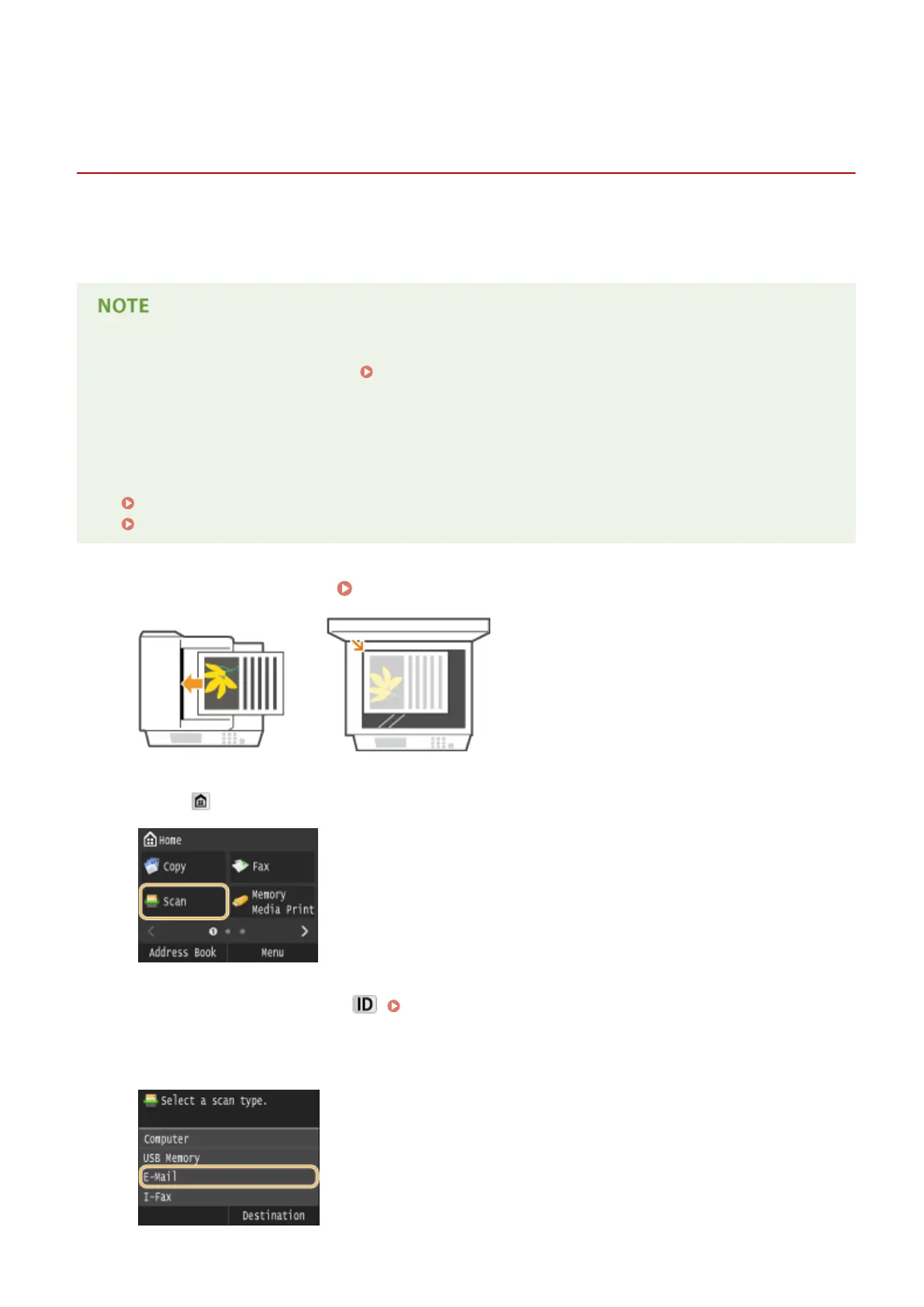
Place the document(s). Placing Documents(P. 47)
2
Press and tap <Scan>.
● When the logon screen appears, use the numeric keys to enter the user name and password. Then select the
authentication server and press . Logging on to Authorized Send(P. 45) .
3
Tap <E-Mail>.
Using the Machine as a Scanner
335











 To Next Page