Adjusting Density
0UWX-01W
You can adjust the density of the copy if the text or images in a document are too
light or dark. You can also adjust the background to remove the background color
when document pages are lightly colored or yellowing.
● Adjust both the density and background when copying a document printed on thin paper, such as a
newspaper, so that the text and images on the opposite side of the page are not visible in the copy.
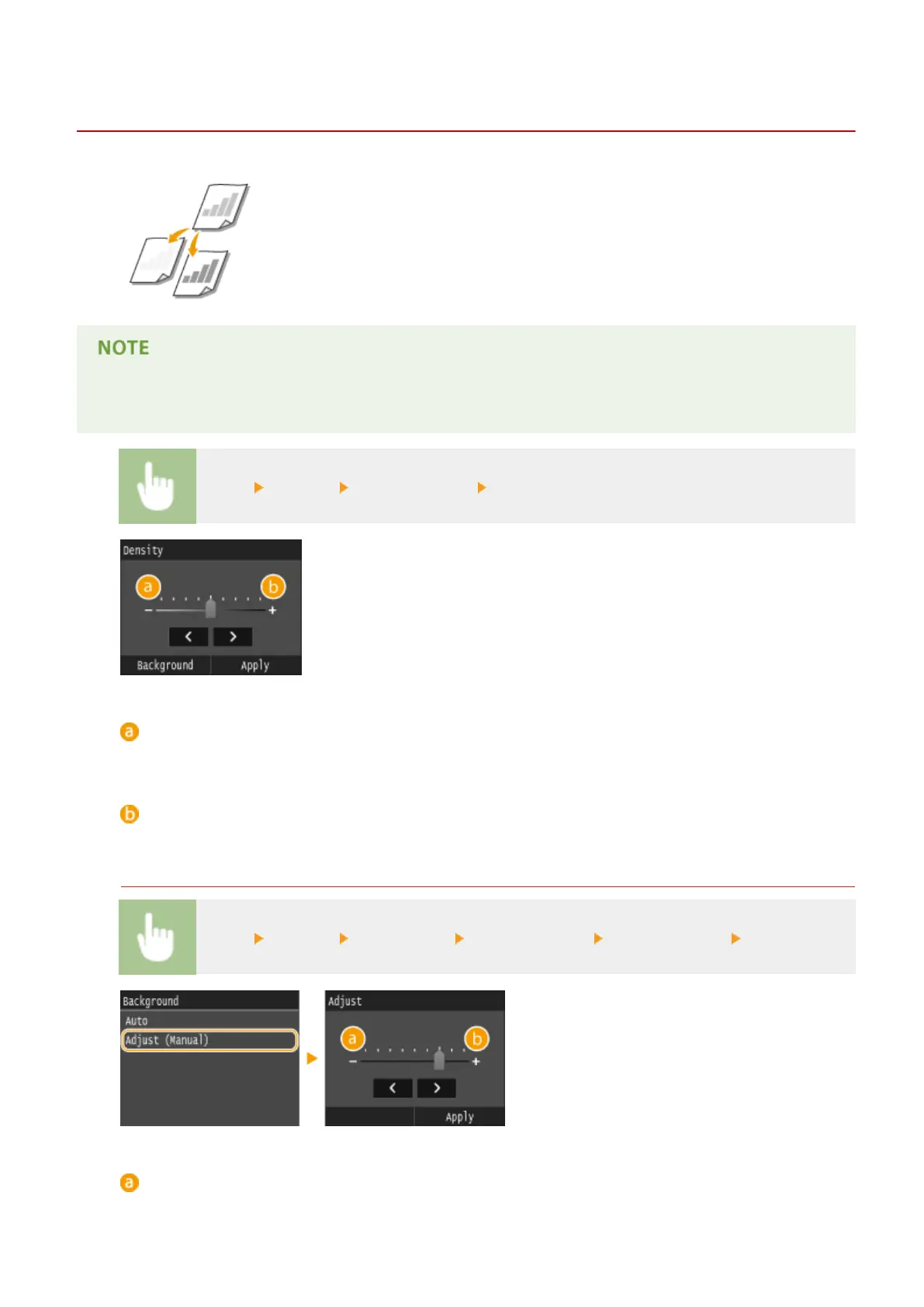
<Copy> <Density> Adjust the density <Apply>
<->
Decreases the density.
<+>
Increases the density.
Adjusting the Background Density
<Copy> <Density> <Background> <Adjust (Manual)> Adjust the density <Apply>
<->
Makes the background color lighter.
Copying
118











 To Next Page