Logging on to the Machine
0UWX-00R
If Department ID Management is enabled or System Manager IDs are enabled, you must log on before using the
machine. You also need to log on if use of the fax and scan functions is restricted.
Department ID Management logon(P. 44)
Logging on to Authorized Send(P. 45)
Department ID Management logon
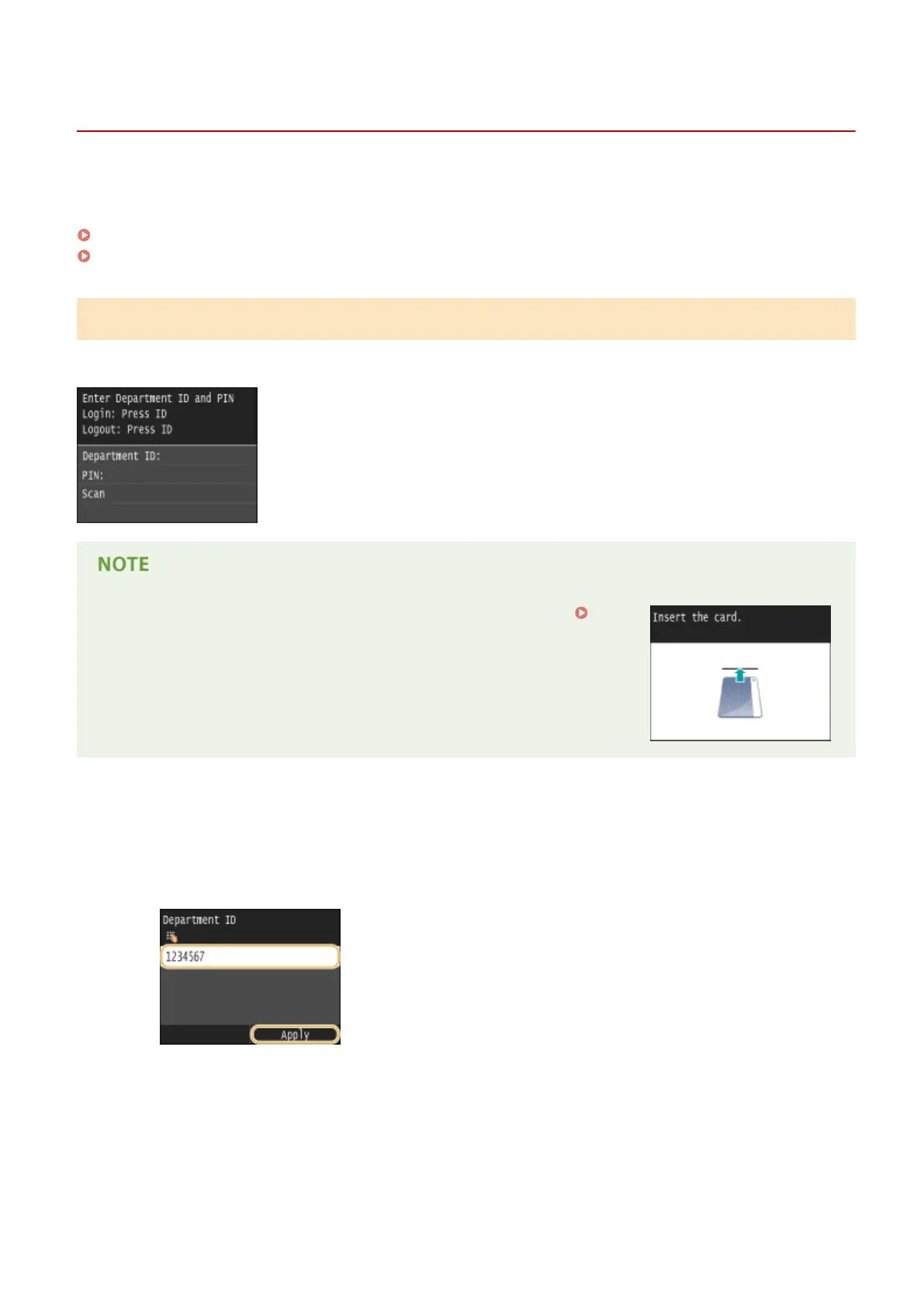
When the logon screen appears, use the procedure below to enter the Department ID and PIN.
● If the screen is displayed prompting you to insert a control card, see
Optional Items(P. 869) .
1
Enter an ID.
1
Tap <Department ID> or <System Manager ID>.
2
Enter a ID using the numeric keys, and tap <Apply>.
● If no PIN is registered, proceed to step 3.
2
Enter the PIN.
1
Tap <PIN>.
2
Enter a ID using the numeric keys, and tap <Apply>.
Basic Operations
44











 To Next Page