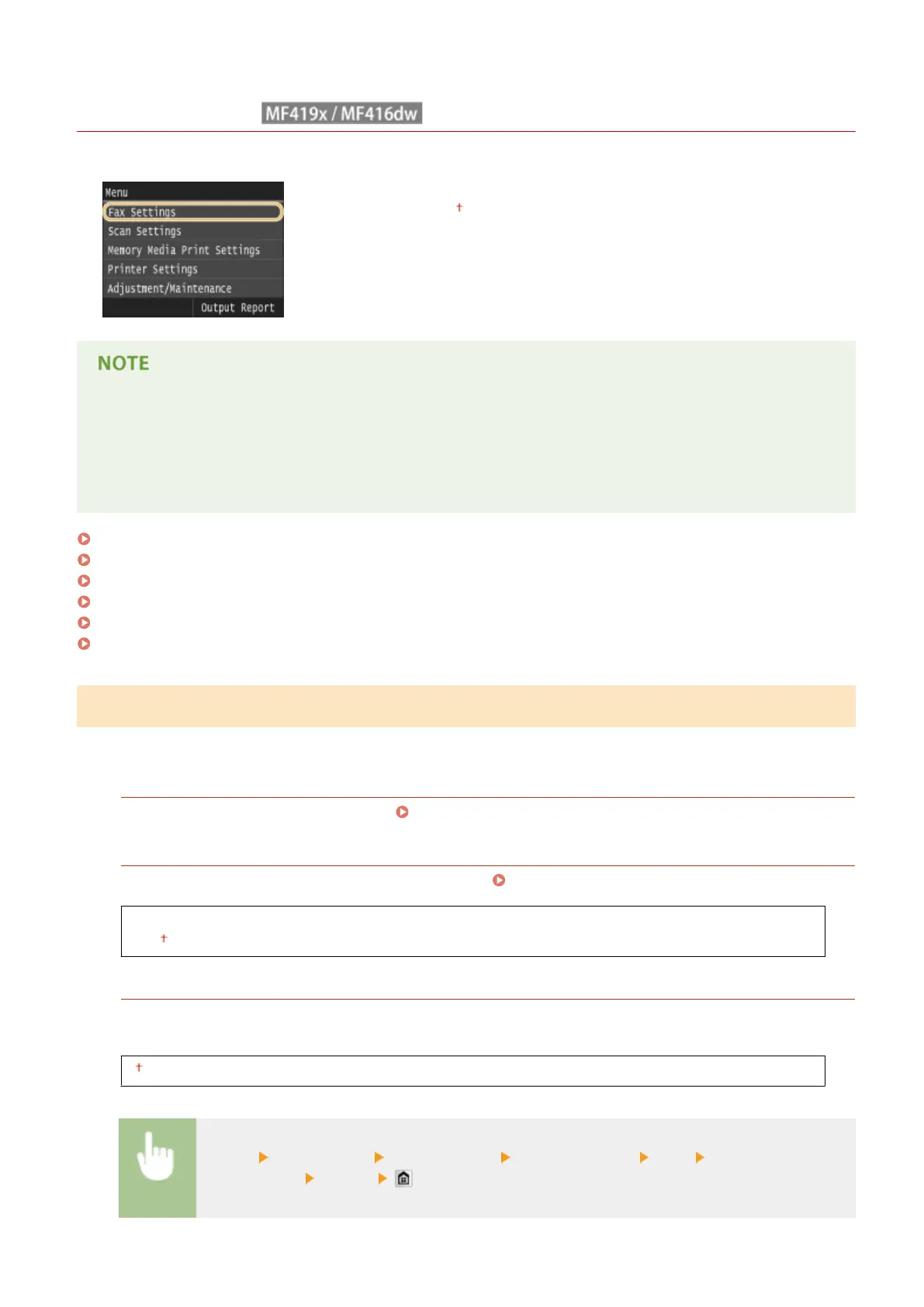
Fax Settings
0UWX-0AL
All the settings about the fax are listed with short descriptions. Default settings are
marked with a dagger ( ).
Asterisks (
*
)
● Settings marked with "
*1
" may be unavailable or vary or have different defaults depending on your country
or region.
● Settings marked with "
*2
" cannot be imported or exported.
Basic Settings(P. 655)
TX Function Settings(P. 657)
RX Function Settings(P. 661)
RX Print Settings(P. 663)
Forwarding Settings(P. 665)
Fax Setup Guide(P. 665)
Basic Settings
Specify the basic settings for using the machine as a fax device.
Register Unit Telephone Number
Register the fax number for the machine. Registering the Fax Number and Unit Name(P. 142)
Select Line Type
*1
Select the telephone line type used for fax transmission. Connecting the Telephone Line(P. 146)
Pulse
Tone
Off-Hook Alarm
Select whether the machine makes an alert sound when the handset of a telephone or the optional handset
connected to the machine is not properly set on the cradle. You can also adjust the volume of the alert sound.
0 to 3
<Menu> <Fax Settings> <Basic Settings> <Off-Hook Alarm> <On> Select the volume of
the alert sound <Apply>
Setting Menu List
655











 To Next Page