4
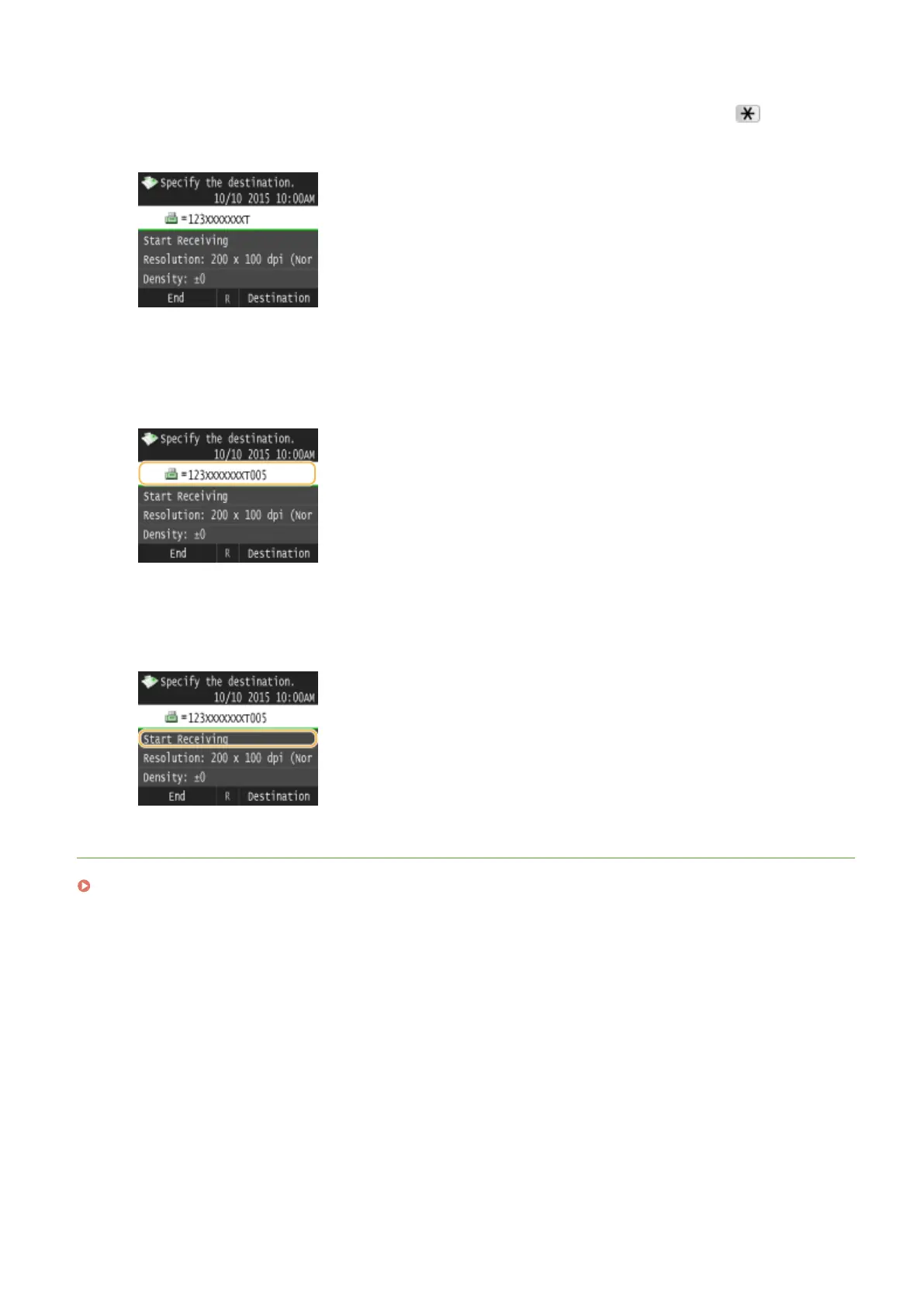
When the recorded message of the information service answers, press .
● This step is unnecessary if the machine is using a tone-dialing line.
5
Use the numeric keys to enter the service number assigned for the information you
want to receive.
● You can also use the keypad on the telephone to enter the information service number.
6
Tap <Start Receiving>.
● If you have picked up the handset, hang it up.
LINKS
Receiving Faxes (MF419x / MF416dw)(P. 179)
Faxing
200











 To Next Page