● If the logon screen appears, enter the correct ID and PIN using the numeric keys, and then press .
Logging on to the Machine(P. 44)
2
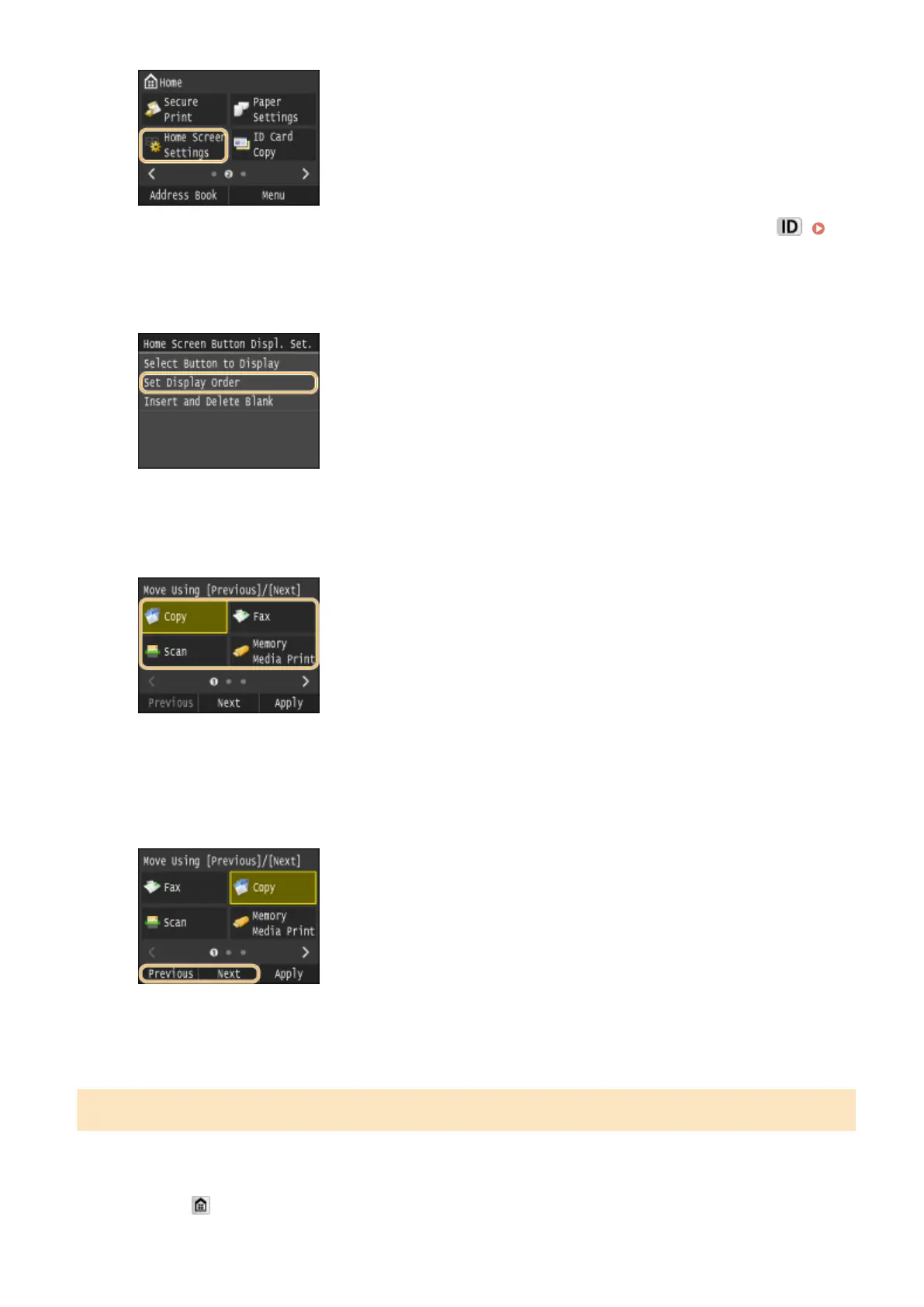
Tap <Set Display Order>.
3
Select the button to move.
● The selected button is highlighted. Tap the selected button again to deselect it.
4
Tap <Previous> or <Next>.
● The button moves as many times as you tapped.
● Long touching <Previous>/<Next> to move the button continuously.
5
Tap <Apply>.
Inserting a Blank
To make the Home screen easier to view, you can insert spaces instead of buttons.
1
Press and tap <Home Screen Settings>.
Basic Operations
36











 To Next Page