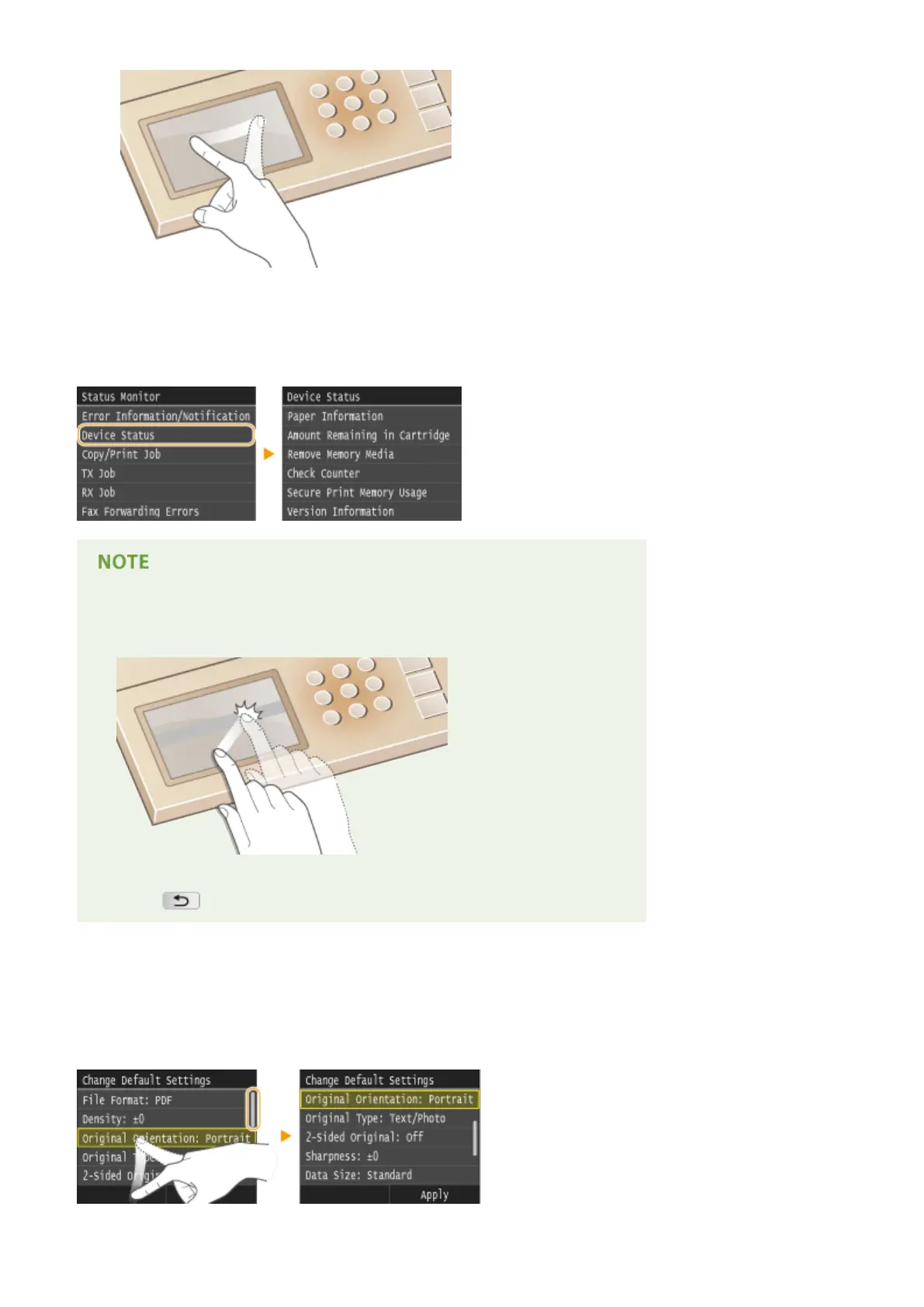
◼ Selecting Items
Tap an item name or button to make a selection.
If an item is mistakenly touched
● Slide your nger away then release it from the screen to cancel the selection.
To return to the previous screen
● Press to return to the previous screen.
◼ Scrolling the Screen
The scroll bar appears on the screen when there is still information that is undisplayed. If the scroll bar is displayed,
ick the screen to scroll in the direction of the ick. Note that the scroll bar only appears while the screen is being
touched.
Basic Operations
39











 To Next Page