◼ Changing Values and Settings
Changing Values
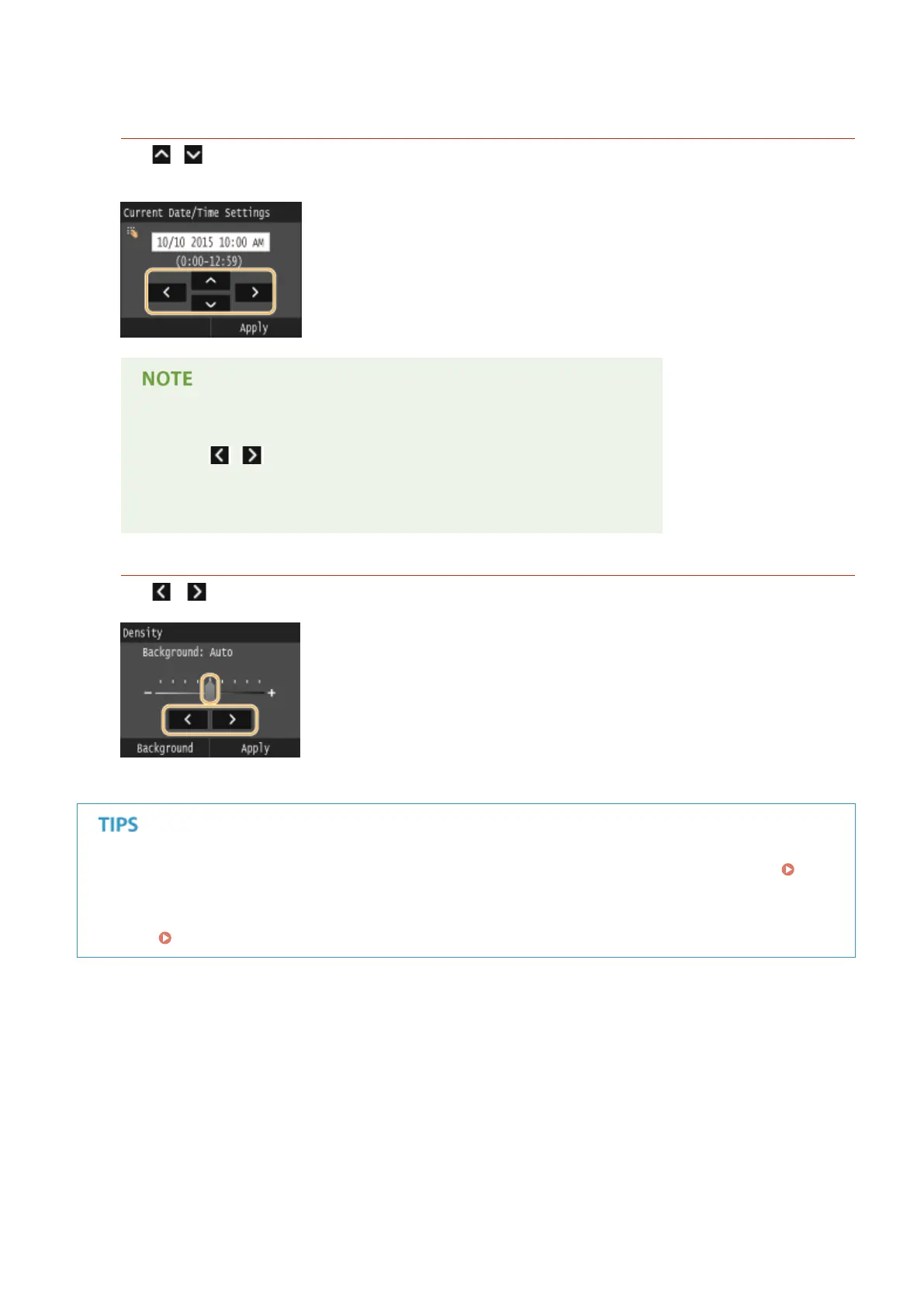
Tap / to enter values. If an icon such as below is displayed at the upper left of the screen, you can enter
values directly using the numeric keys.
To move the cursor
● When / is displayed, tap to move the cursor.
Value range
● Values in ( ) displayed below the entry box are the enterable value range.
Changing Setting Values
Tap / to adjust the setting on the scale. You can also adjust a setting by icking the slider left or right.
● You can change a variety of display-related settings, such as the scrolling speed or display language:
Display Settings(P. 641)
● To change the screen that is automatically displayed when the machine remains idle for a specied length of
time:
Function After Auto Reset(P. 647)
Basic Operations
40











 To Next Page