2
Tap <System Management Settings>.
● If the logon screen appears, enter the correct ID and PIN using the numeric keys, and then press .
Logging on to the Machine(P. 44)
3
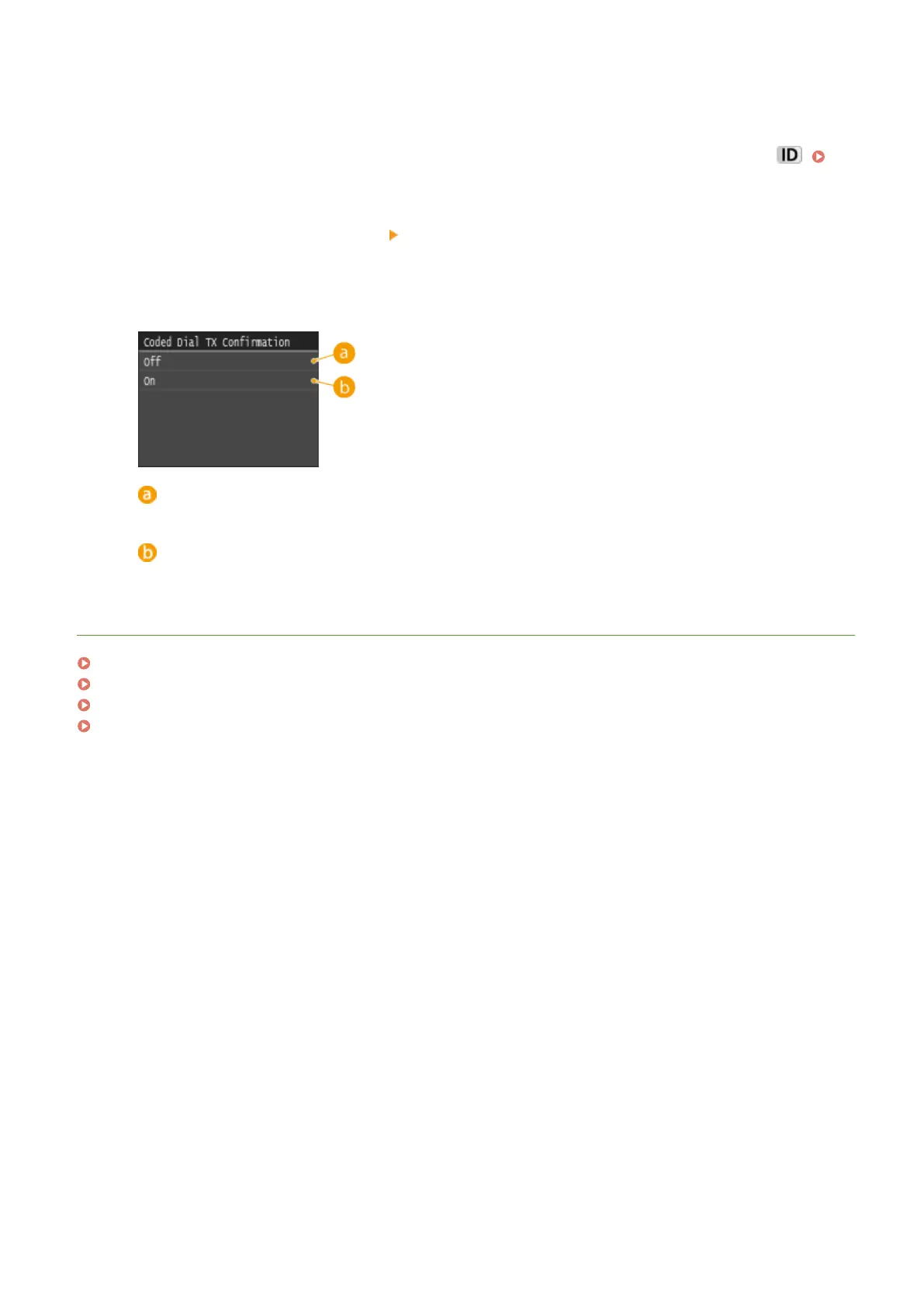
Select <Restrict TX Function> <Coded Dial TX Conrmation>.
4
Tap <On>.
<Off>
Does not display the details of the entered coded dial number.
<On>
Displays the details of the entered coded dial number.
LINKS
Registering Destinations(P. 213)
Specifying from Address Book(P. 154)
Specifying from Address Book (P. 362)
Registering Destinations in the Address Book from Remote UI(P. 624)
Security
562











 To Next Page