4
Press .
➠ The logon screen switches to the fax or scan function Home screen.
● After you nish using the machine, press again to display the logon screen.
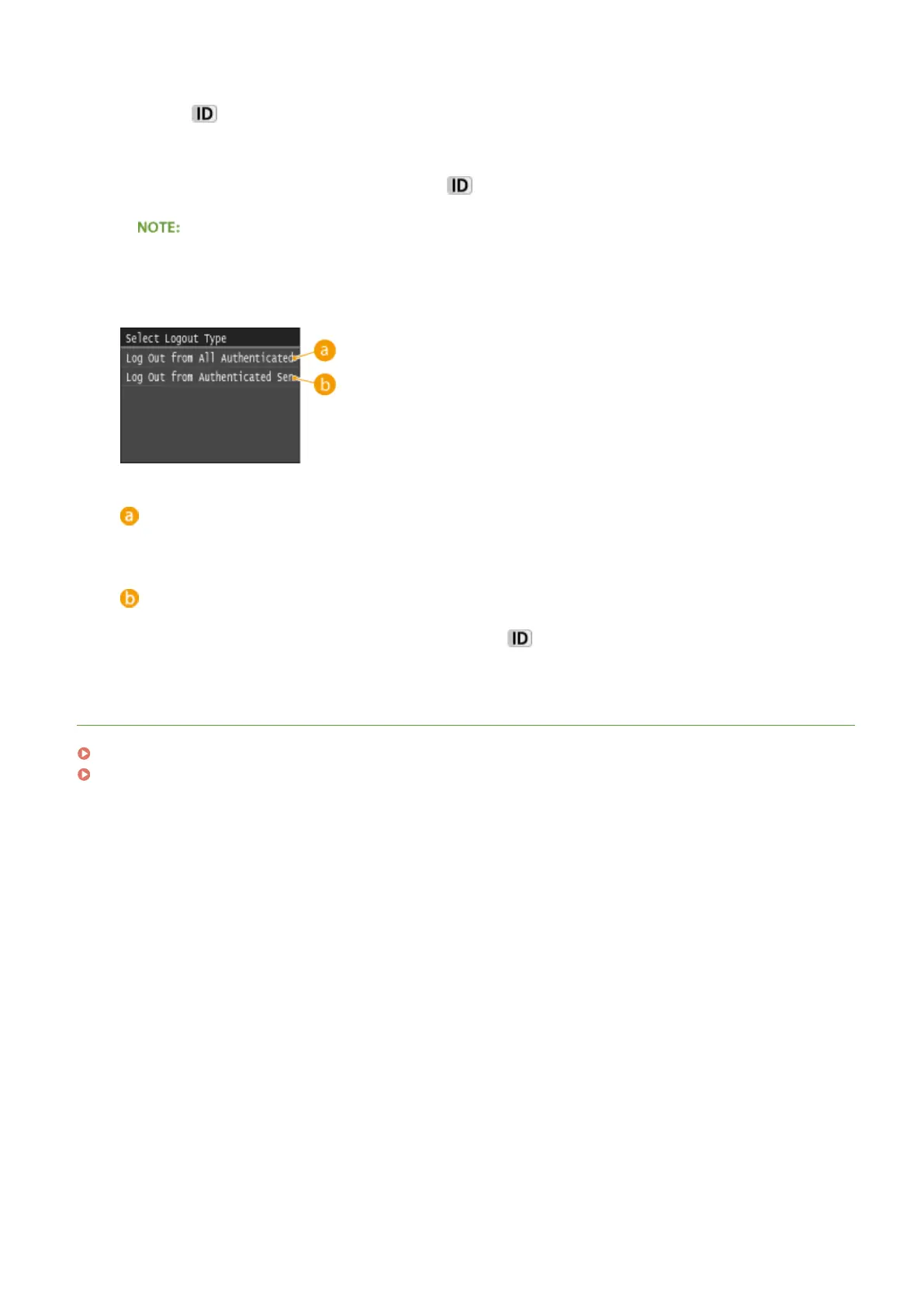
If the logout selection screen appears
● If you are logged in to both Authorized Send and Department ID Management, a dialog box appears in
which you can select the items you want to log out of.
<Log Out from All Authenticated Functions>
Select to log out of Authorized Send (fax or scan function) and Department ID Management simultaneously.
<Log Out from Authenticated Sending>
Select to log out of Authorized Send (fax or scan function) only. You are still logging on to Department ID
Management. After you nish using the machine, press
again to log out of Department ID
Management.
LINKS
Setting the Department ID Management(P. 526)
Setting the System Manager ID(P. 524)
Basic Operations
46











 To Next Page