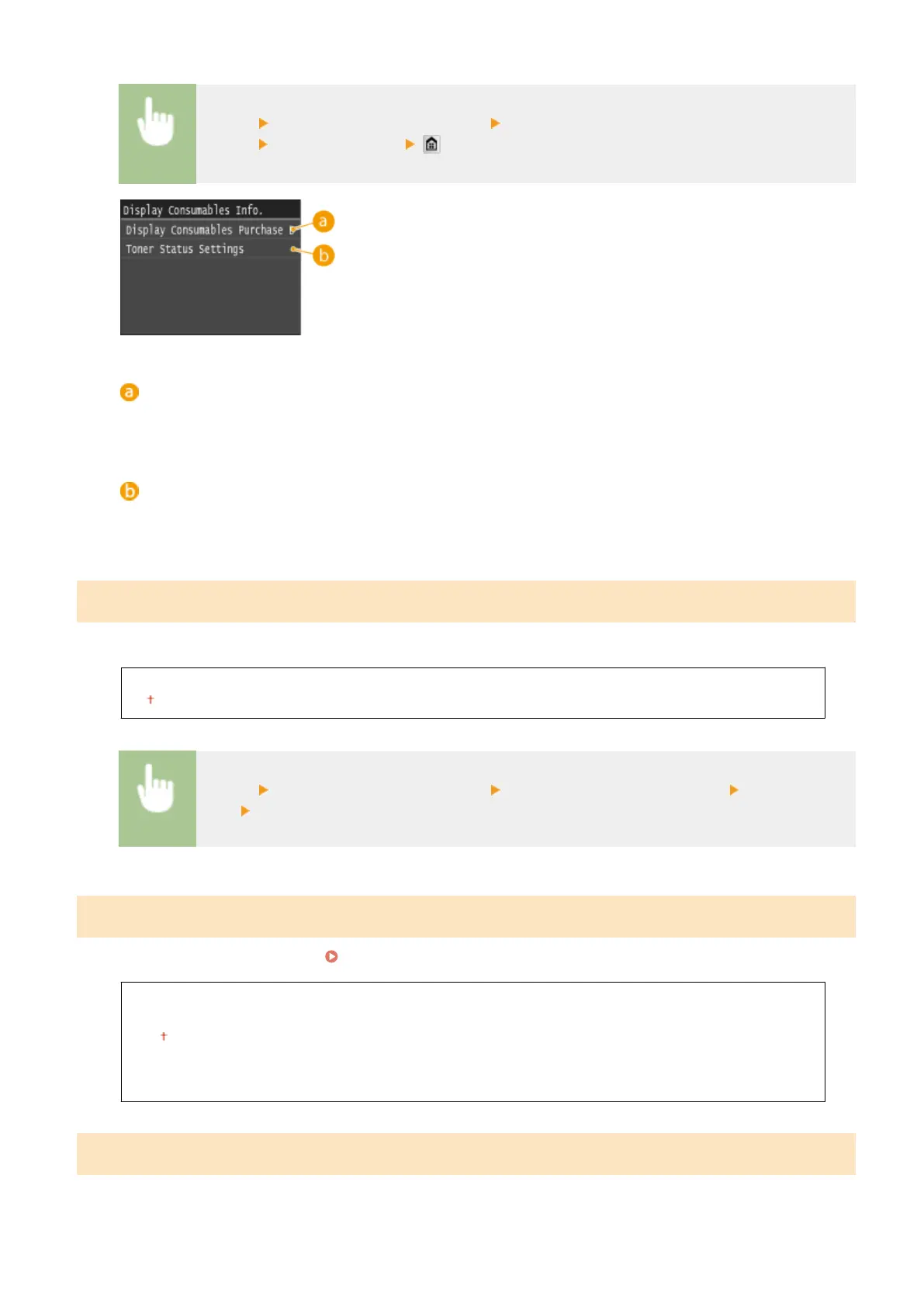
<Menu> <System Management Settings> <Display Consumables Information (RUI/Toner
Status)> Specify the settings
<Display Consumables Purchase Button (RUI)>
Select <Off> to prevent a button that accesses sites for purchasing toner cartridges from being displayed in
the Remote UI.
<Toner Status Settings>
If you do not want to use Toner Status, select <Off>. To prevent a button that accesses sites for purchasing
toner cartridges from being displayed in Toner Status, select <On> and then <Off>.
Enable Canon Mobile Scanning
Select whether to allow scanning from a mobile device using the Canon Mobile Scanning application.
Off
On
<Menu> <System Management Settings> <Enable Canon Mobile Scanning> Select <Off> or
<On> Restart the machine
Google Cloud Print Settings
Enable or disable Google Cloud Print. Changing Google Cloud Print Settings(P. 406)
Enable Google Cloud Print
Off
On
Google Cloud Print Registration Status
Notify to Check Paper Settings
Specify whether to display a message prompting you to check paper settings when loading the paper drawer into the
machine.
Setting Menu List
715











 To Next Page