Settings
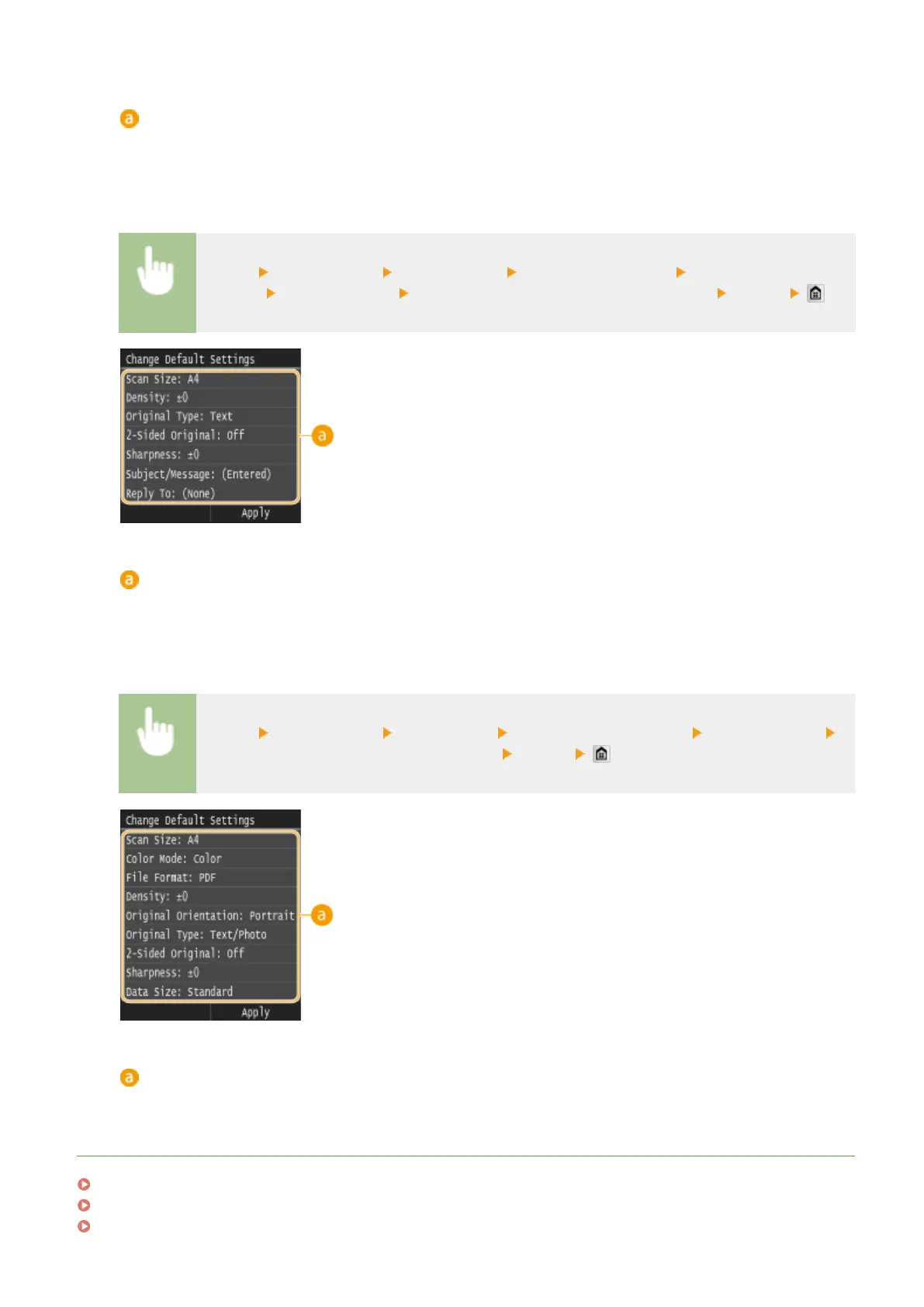
Select the item you want to set, and change the default value.
◼ I-Fax
<Menu> <Scan Settings> <I-Fax Settings> <TX Function Settings> <Change Default
Settings> Select the setting Change the default value of the selected item <Apply>
Settings
Select the item you want to set, and change the default value.
◼
Shared Folder/FTP Server
<Menu> <Scan Settings> <File Settings> <Change Default Settings> Select the setting
Change the default value of the selected item <Apply>
Settings
Select the item you want to set, and change the default value.
LINKS
Scanning Documents Directly to USB Memory(P. 332)
Sending Documents as E-Mails Directly from the Machine(P. 335)
Sending I-Faxes(P. 224)
Using the Machine as a Scanner
377











 To Next Page