5
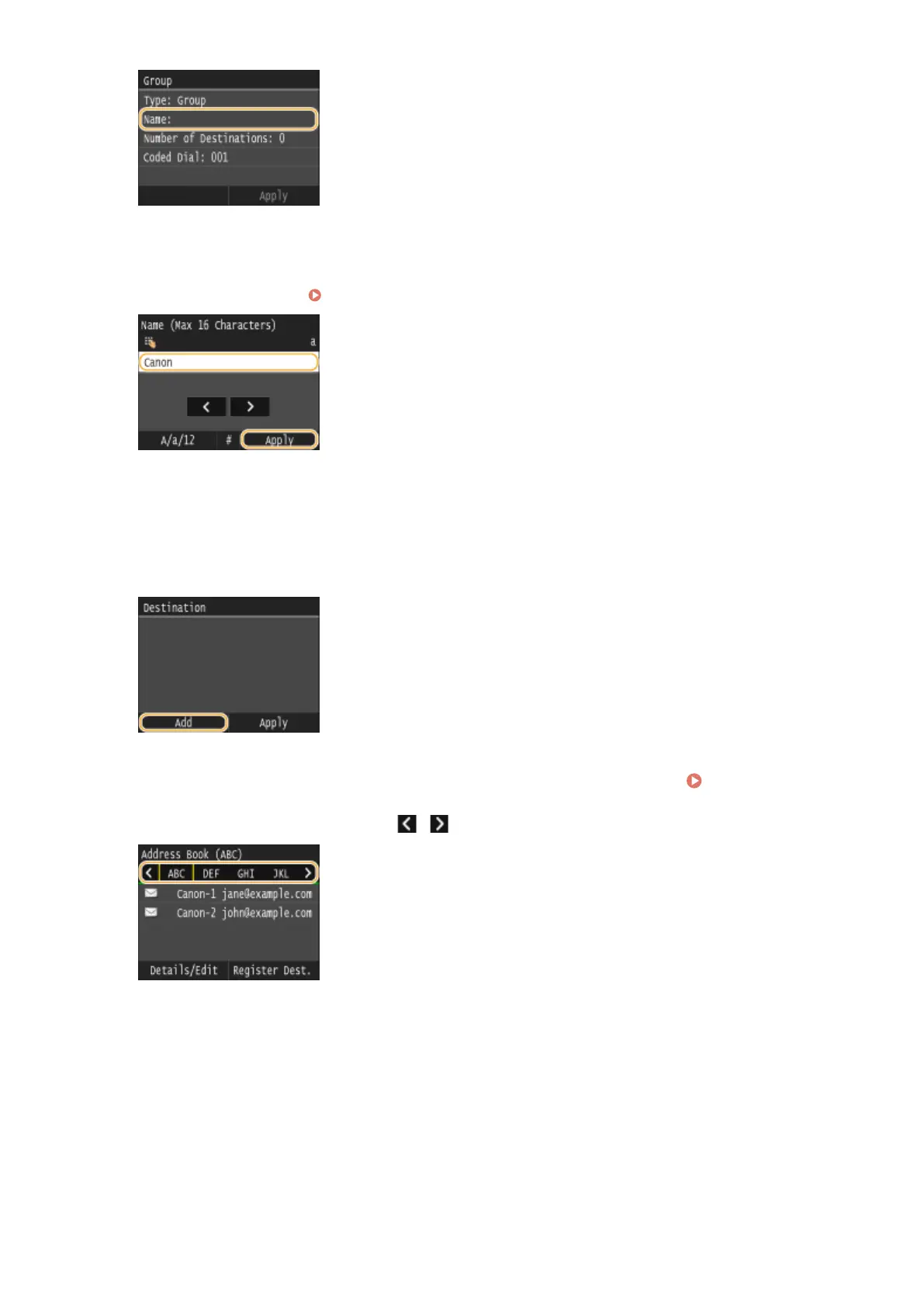
Enter the name using the numeric keys, and tap <Apply>.
● On how to enter text, see Entering Text(P. 41) .
6
Tap <Number of Destinations>.
7
Tap <Add>.
8
Select the index containing the destination you want to register. Index(P. 78)
● You can change the display by tapping / .
9
Select the destination.
10
Repeat steps 7 to 9 until you have registered all of the destinations that you want to
register, and then tap <Apply>.
Basic Operations
95


 To Next Page
 Loading...







