5
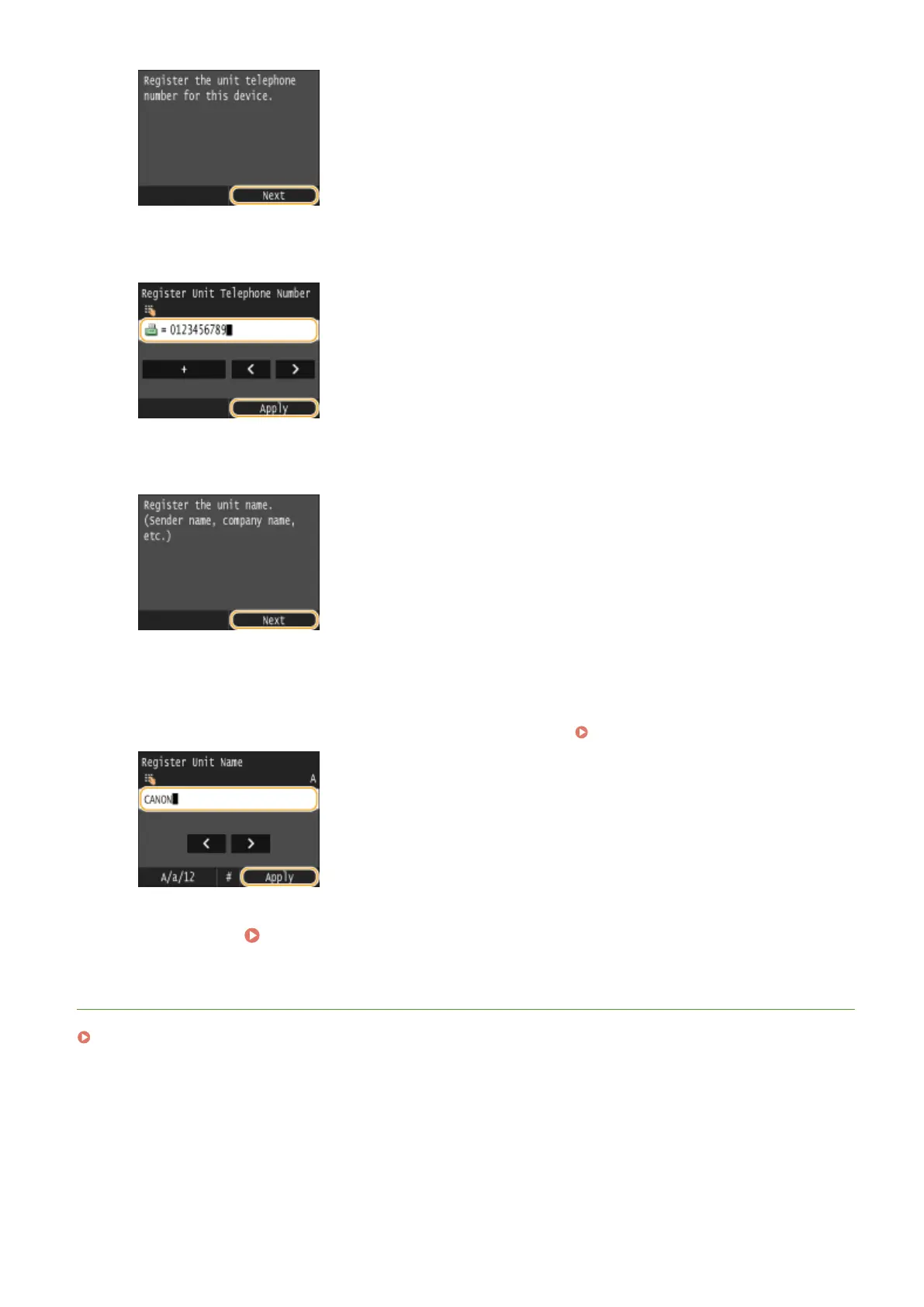
Enter the fax number using the numeric keys, and tap <Apply>.
6
Tap <Next>.
7
Enter the unit name (such as a user name or company name) using the numeric keys,
and tap <Apply>.
● Enter up to 24 alphanumeric characters. On how to enter text, see Entering Text(P. 41) .
»
Continue to Selecting the Receive Mode(P. 144)
LINKS
Sending Faxes (MF419x / MF416dw)(P. 149)
Faxing
143











 To Next Page