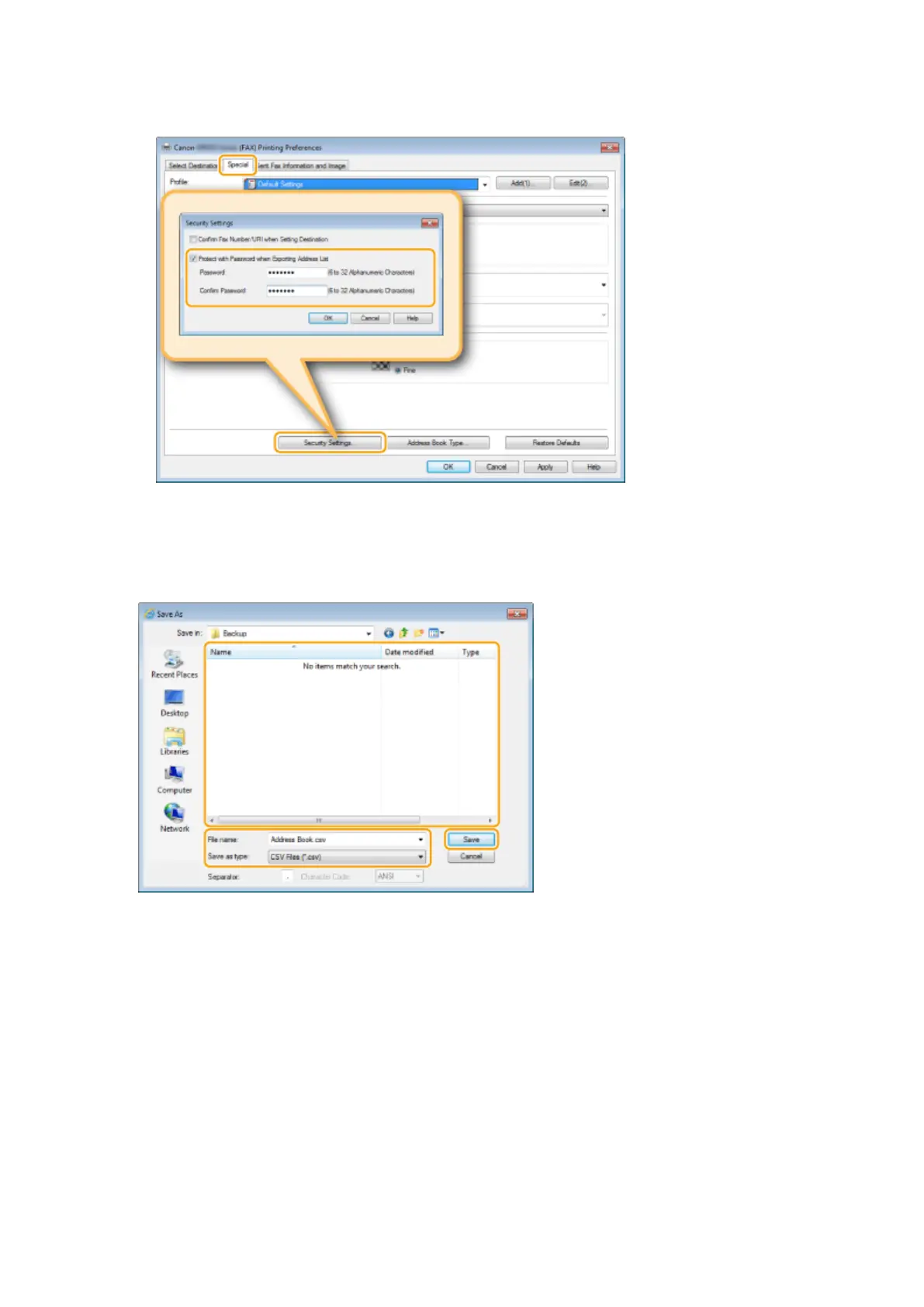
● If you have selected [Protect with Password when Exporting Address List] in the dialog box that is
displayed when [Security Settings] of the [Special] tab is clicked, a dialog box for entering a password is
displayed when you click [Export]. For more information, click [Help] on the fax driver screen.
5
Specify the location to save the le, the le name, and the le format, and then click
[Save].
● For a CSV le, specify the separators used in the le.
➠ The Address Book data is exported to the specied location.
Faxing
222











 To Next Page