Select from the items listed below.
[No Correction] Performs no correction.
[Over Exposure] Lightens the entire image.
[Under Exposure] Darkens the entire image.
[High Contrast] Emphasizes the difference between the light and dark parts of the image.
[Invert the Negative/Positive Image] Inverts the light and dark parts of the image.
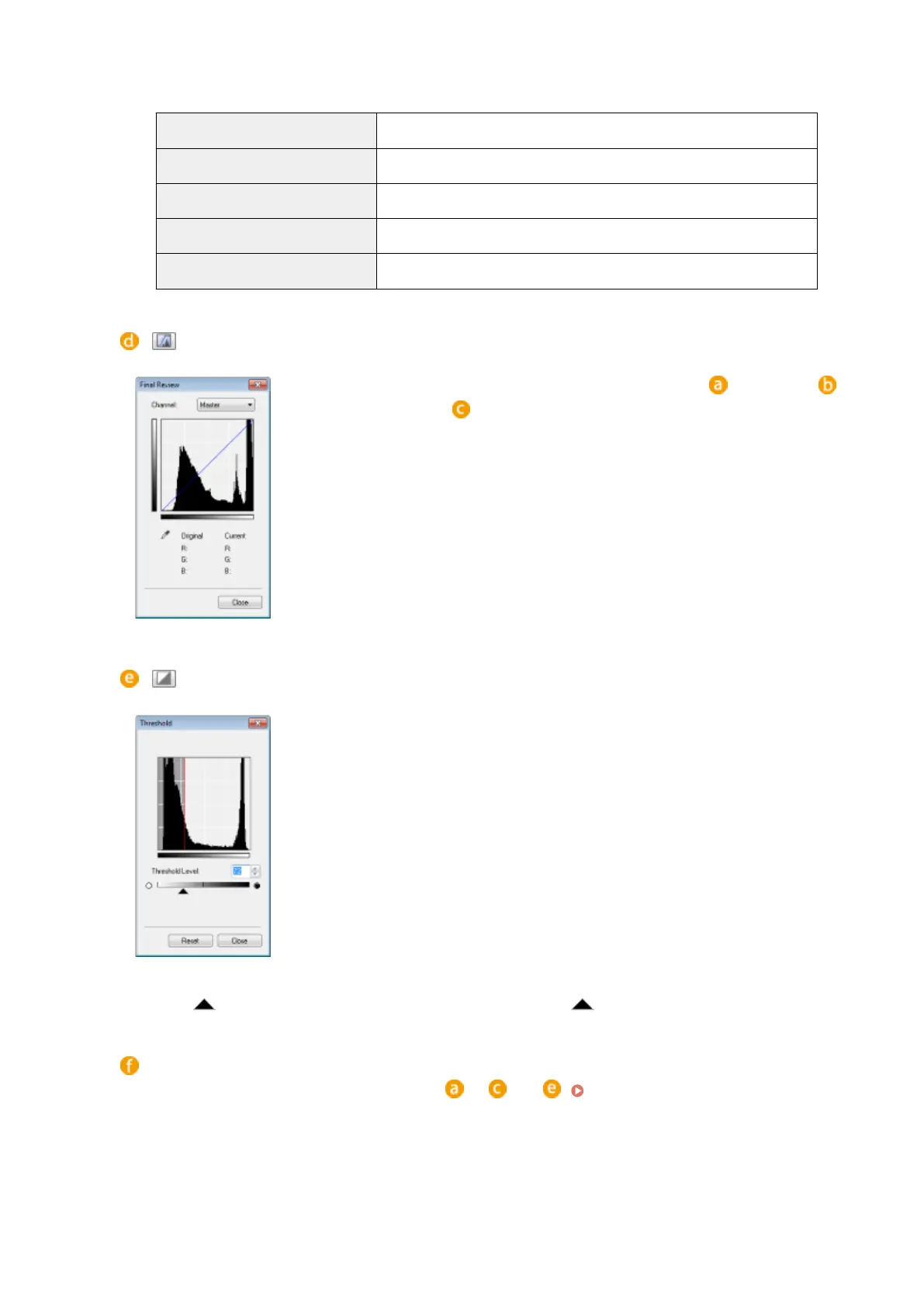
(Final Review)
The results of all adjustments made to the brightness, contrast ( ), histogram ( ),
and tone curve settings ( ) are displayed in a tone curve and as numerical values.
Perform a nal check of the color settings.
(Threshold)
Adjust the threshold value
*
for black and white images. You can enhance the
appearance of text or reduce the visibility of text or images printed on the reverse
side of a semi-transparent document, such as a newspaper. The setting is available if
you select [Black and White] for [Color Mode].
*
The threshold value is the boundary that separates whether a color is rendered as black or
white. Colors below a certain density level are rendered as white, and colors above a certain
density level are rendered as black.
[Threshold Level]
Slide or enter a value. To render more parts as black, slide to the right or enter a larger value.
Registering or Calling Settings
Call registered brightness or color settings for to and . Registering Frequently Used
Settings(P. 328)
Using the Machine as a Scanner
324


 To Next Page
 Loading...







