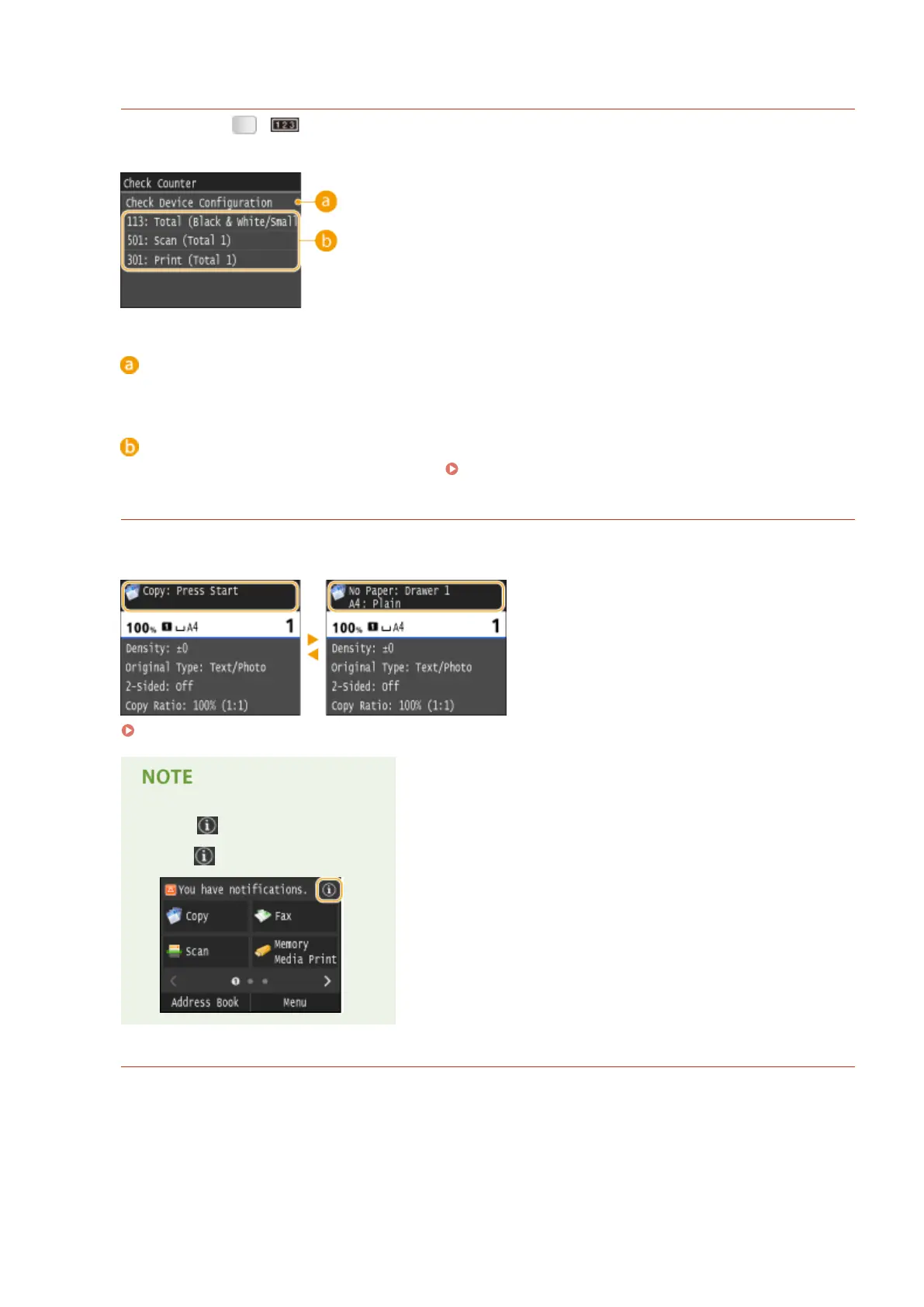
<Check Counter> Screen (MF419x / MF418x)
When you press ( ), the <Check Counter> screen is displayed. From this screen, you can view the
counter values of printouts, as well as the serial number of the machine and the machine conguration.
<Check Device
Conguration>
Displays the serial number of the machine and the list of the equipment that is attached or enabled.
Counters
Select the counter to check the counter value. Viewing the Counter Value(P. 823)
When a Message Is Displayed
Messages are displayed at the top of the screen in situations such as when paper runs out or end of toner
cartridge lifetime. The display alternates between showing the normal screen and the message.
When an Error Message Appears(P. 734)
When
is displayed
● Tap
to view the notication.
When an Error Occurs
In some cases when an error occurs, instructions on how to respond to the error are displayed. Follow the on-
screen instructions to solve the problem. The screen displayed when a paper jam occurs is shown below as an
example.
Basic Operations
32











 To Next Page