From a Computer
8
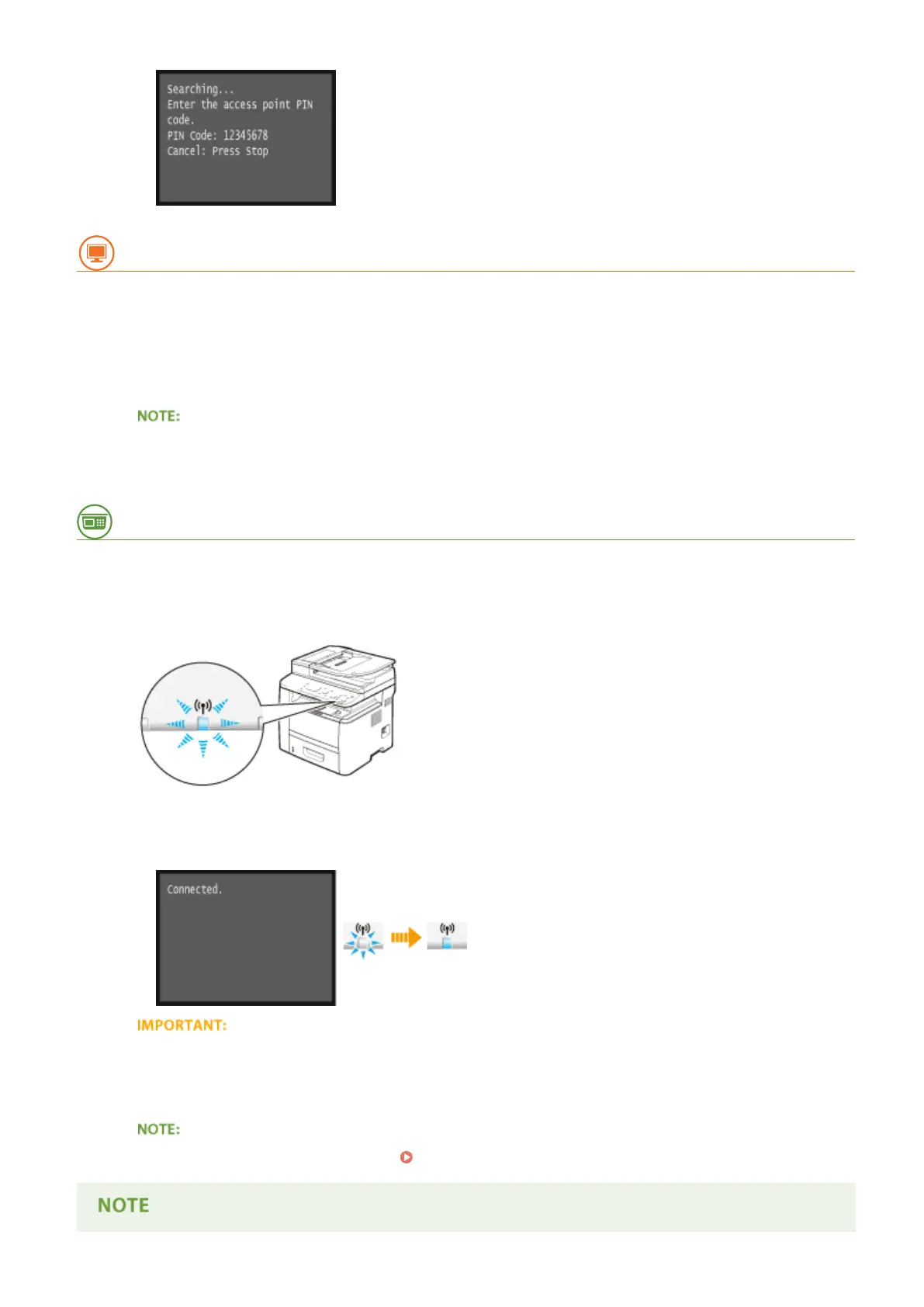
Register the generated PIN code to the wireless router.
● Register the PIN code on the setup screen displayed in step 1.
● The PIN code must be registered within 10 minutes after tapping <Yes> in step 7.
If an error message is displayed during setup
● Tap <Close> and return to step 6.
From the Operation Panel
9
Check that the Wi-Fi indicator is blinking on the operation panel.
● The Wi-Fi indicator blinks when a wireless router is detected.
➠
When the setup is completed, the screen below is displayed, and approximately 2 seconds later, the Wi-Fi
indicator lights up. Wait approximately 2 minutes (until the automatic settings of IP address and other
items are complete).
Signal strength
● When more than one wireless router is available for connection, the machine connects to the device with
the strongest signal. Signal strength is measured using RSSI (Received Signal Strength Indication).
● You can set the IP address manually. Setting IP Addresses(P. 436)
Network
424











 To Next Page