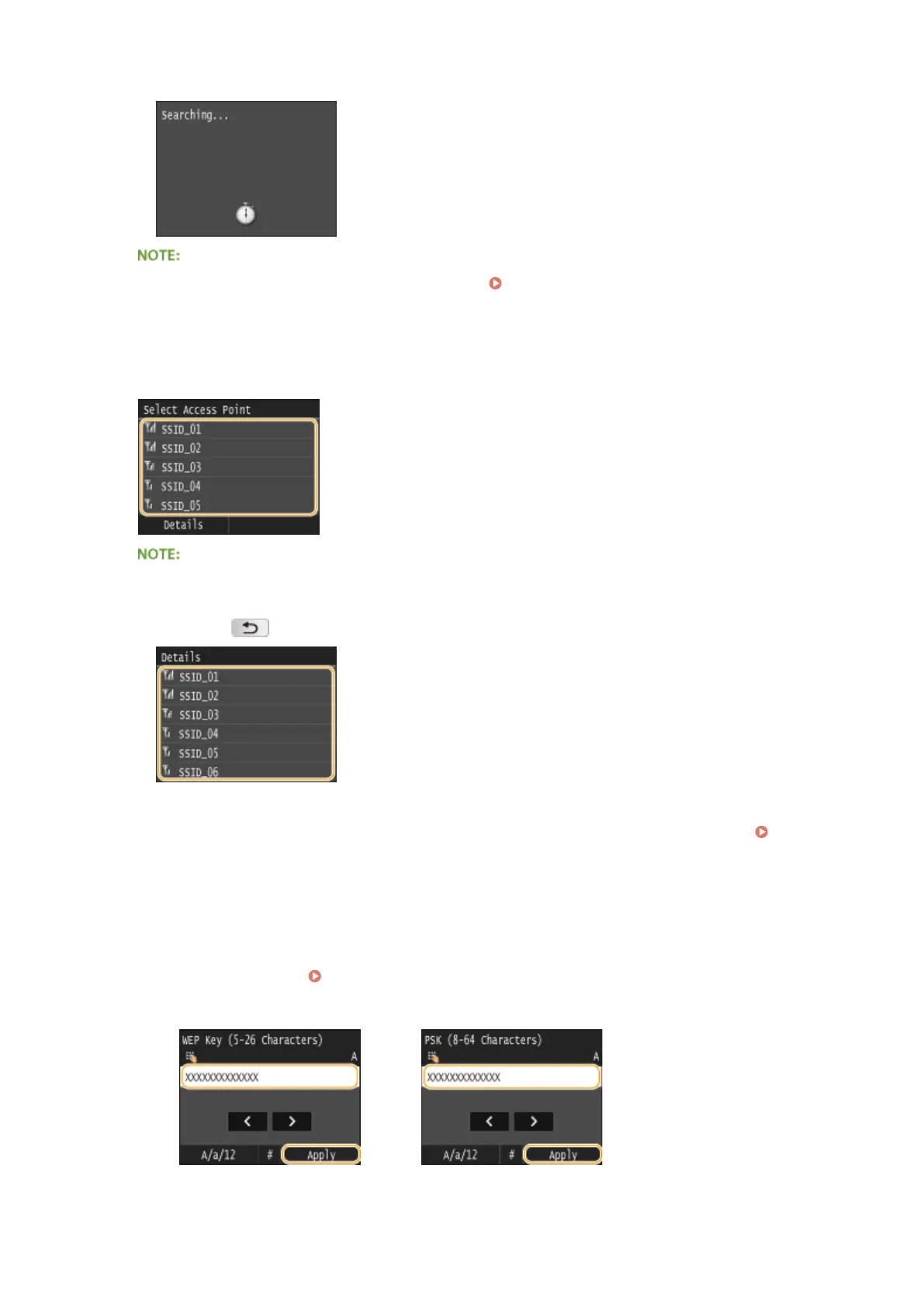
➠ The machine starts searching for available wireless routers.
● If <Cannot nd the access point.> is displayed, see When an Error Message Appears(P. 734) .
7
Select a wireless LAN router.
● Tap the router whose SSID matches the one that you have written down.
To view details of security settings
● Tap <Details> and select the wireless LAN router. To return to the original screen, tap <Close> twice, and
then press
.
If your wireless router is not found
● Check whether the machine is properly installed and ready to connect to the network.
Installation/
Settings Problems(P. 758)
8
Enter the network key that you have written down.
● Enter the network key using the numeric keys, and tap <Apply>.
● On how to enter text, see
Entering Text(P. 41) .
WEP WPA-PSK or WPA2-PSK
Network
427











 To Next Page