Enter the IP address of the NTP or the SNTP server. If DNS is available on the network, you can enter a host
name (or FQDN) of up to 255 alphanumeric characters instead (example: ntp.example.com).
[Polling Interval]
Specify the interval between one synchronization and the next. Specify an interval from 1 to 48 hours.
6
Click [OK].
7
Restart the machine.
● Turn OFF the machine, wait for at least 10 seconds, and turn it back ON.
Testing communication with the NTP/SNTP server
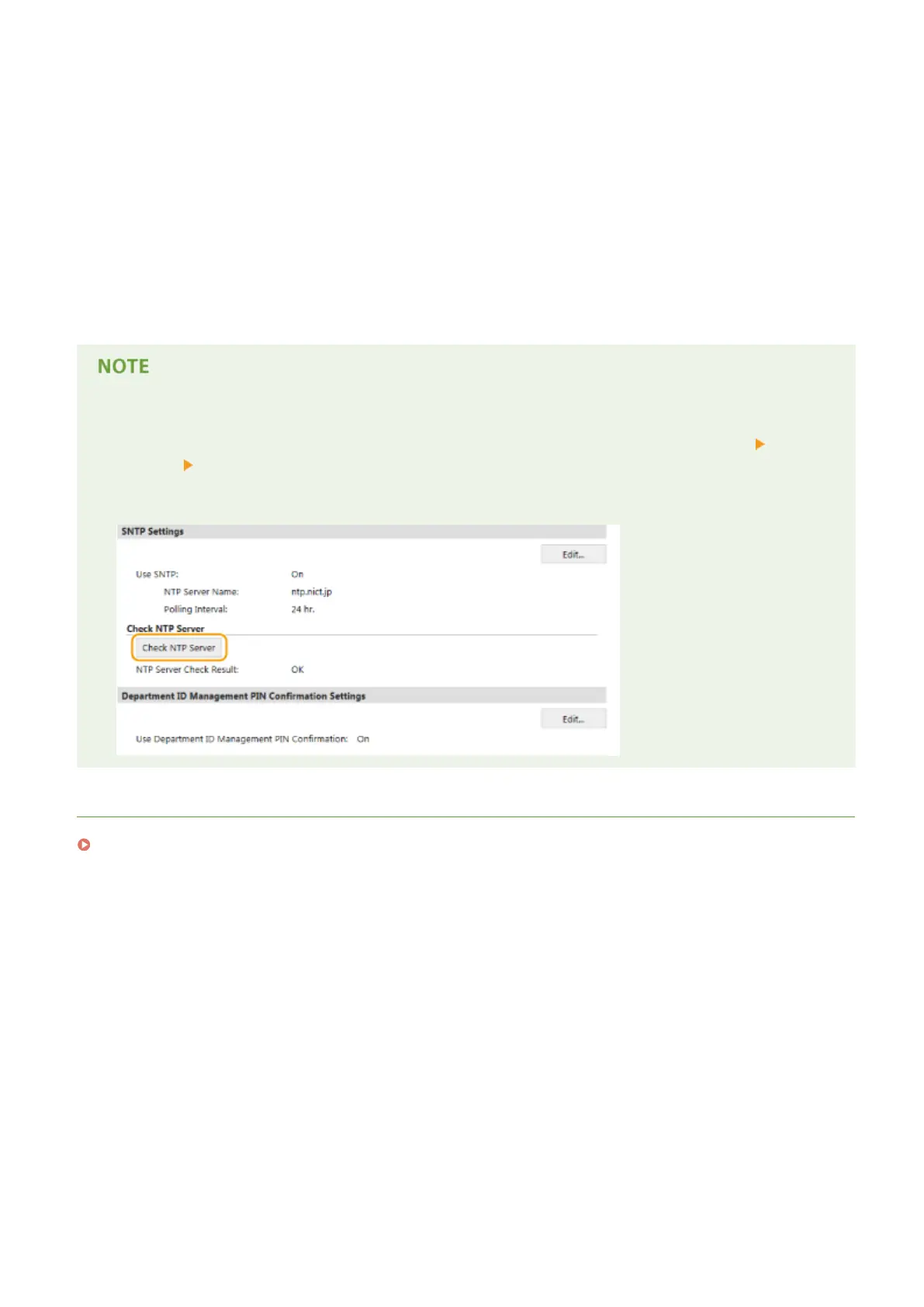
● You can view communication status with the registered server by clicking [Settings/Registration] [Network
Settings] [TCP/IP Settings] and then clicking [Check NTP Server] in [SNTP Settings] that appears. If a
proper connection has been established, the result is displayed as shown below. Note that this operation
does not adjust the system clock.
LINKS
Registering LDAP Servers(P. 499)
Network
507











 To Next Page