4
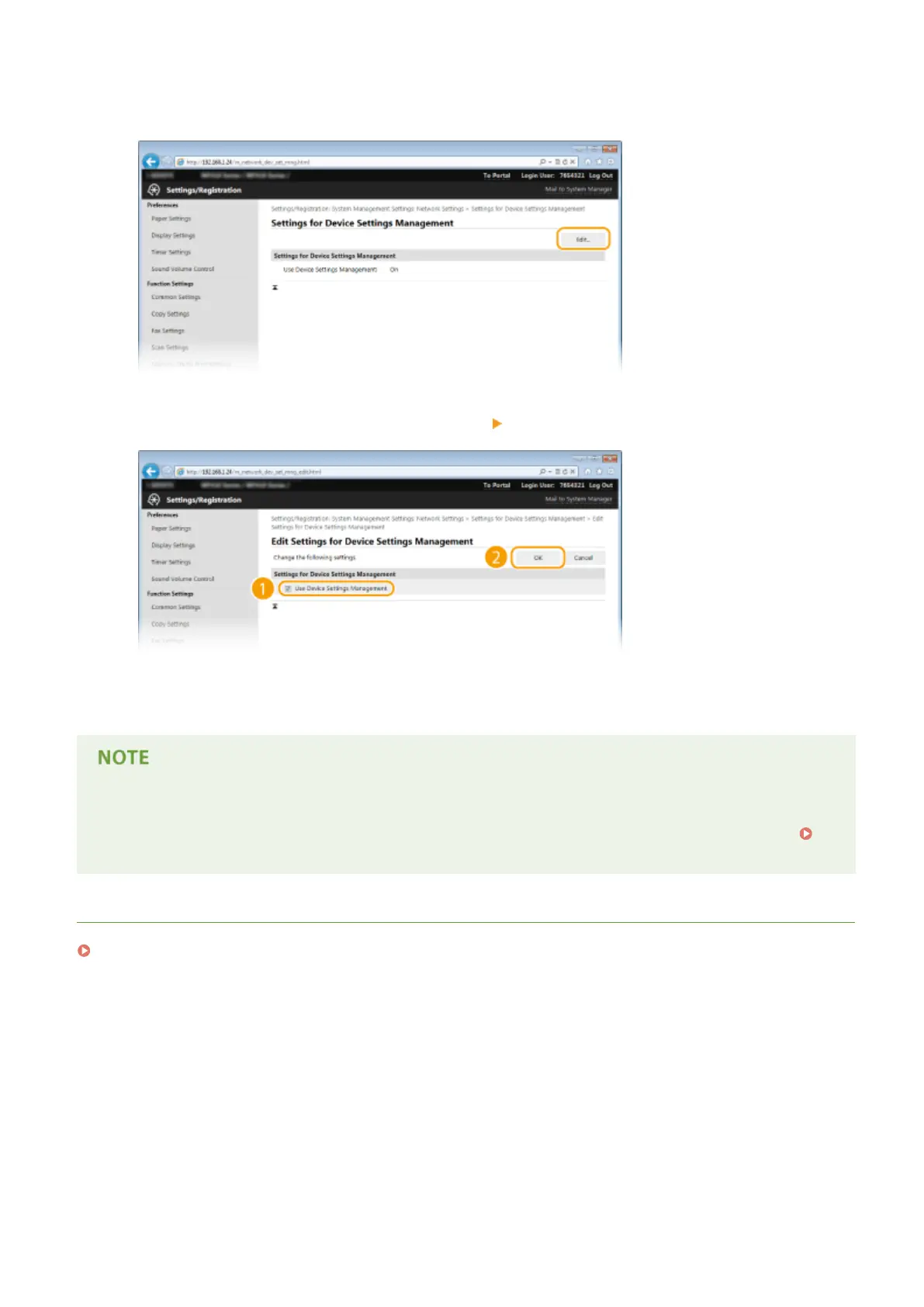
Click [Edit]
5
Select [Use Device Settings Management] [OK].
[Use Device Settings Management]
To communicate with iW Management Console plug-ins, select the check box. When the check box is cleared,
the machine will not be recognized as a device to be managed from plug-ins.
Using the operation panel
● You can also congure the settings for communication with plug-ins from <Menu> in the Home screen.
Device Settings Management On/Off(P. 640)
LINKS
Entering Sleep Mode(P. 101)
Network
517


 To Next Page
 Loading...







