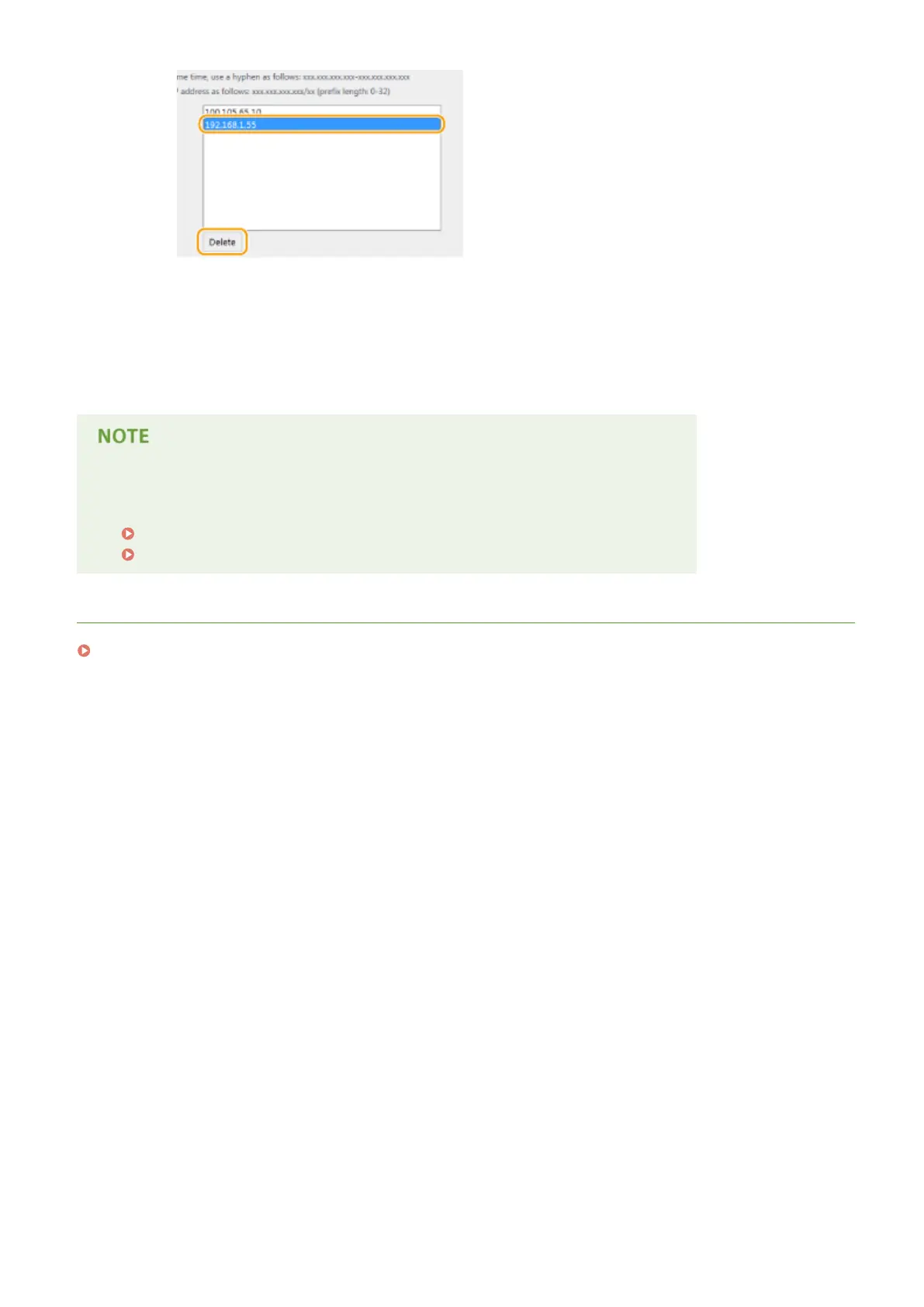
3
Click [OK].
6
Restart the machine.
● Turn OFF the machine, wait for at least 10 seconds, and turn it back ON.
Using the operation panel
● You can also enable or disable IP address ltering from <Menu> in the Home screen.
IPv4 Address Filter(P. 710)
IPv6 Address Filter(P. 710)
LINKS
Specifying MAC Addresses for Firewall Rules(P. 546)
Security
545











 To Next Page