2
Specify address exceptions.
● Enter the MAC address in the [Address to Register] text box and click [Add].
● You do not need to delimit the address with hyphens or colons.
Check for entry errors
● If MAC addresses are incorrectly entered, you may become unable to access the machine from the
Remote UI, in which case you need to set <MAC Address Filter> to <Off>. MAC Address
Filter(P. 710)
When [Reject] is selected for an outbound lter
● Outgoing multicast and broadcast packets cannot be ltered.
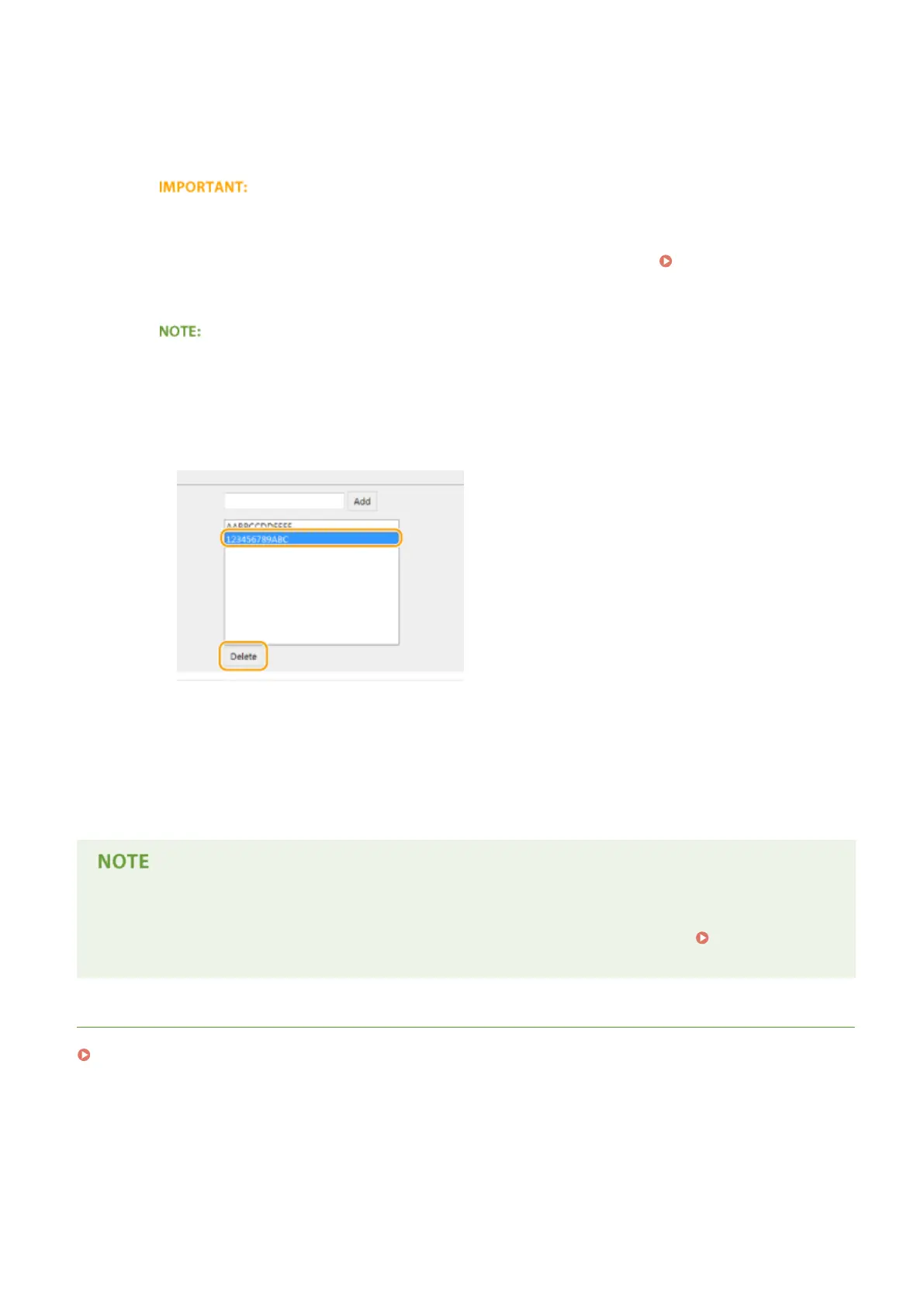
Deleting a MAC address from exceptions
● Select a MAC address and click [Delete].
3
Click [OK].
6
Restart the machine.
● Turn OFF the machine, wait for at least 10 seconds, and turn it back ON.
Using the operation panel
● You can also enable or disable MAC address ltering from <Menu> in the Home screen.
MAC Address
Filter(P. 710)
LINKS
Specifying IP Addresses for Firewall Rules(P. 542)
Security
548











 To Next Page