Deleting a key pair or CA certicate le
● Click [Delete] on the right of the le you want to delete
click [OK].
6
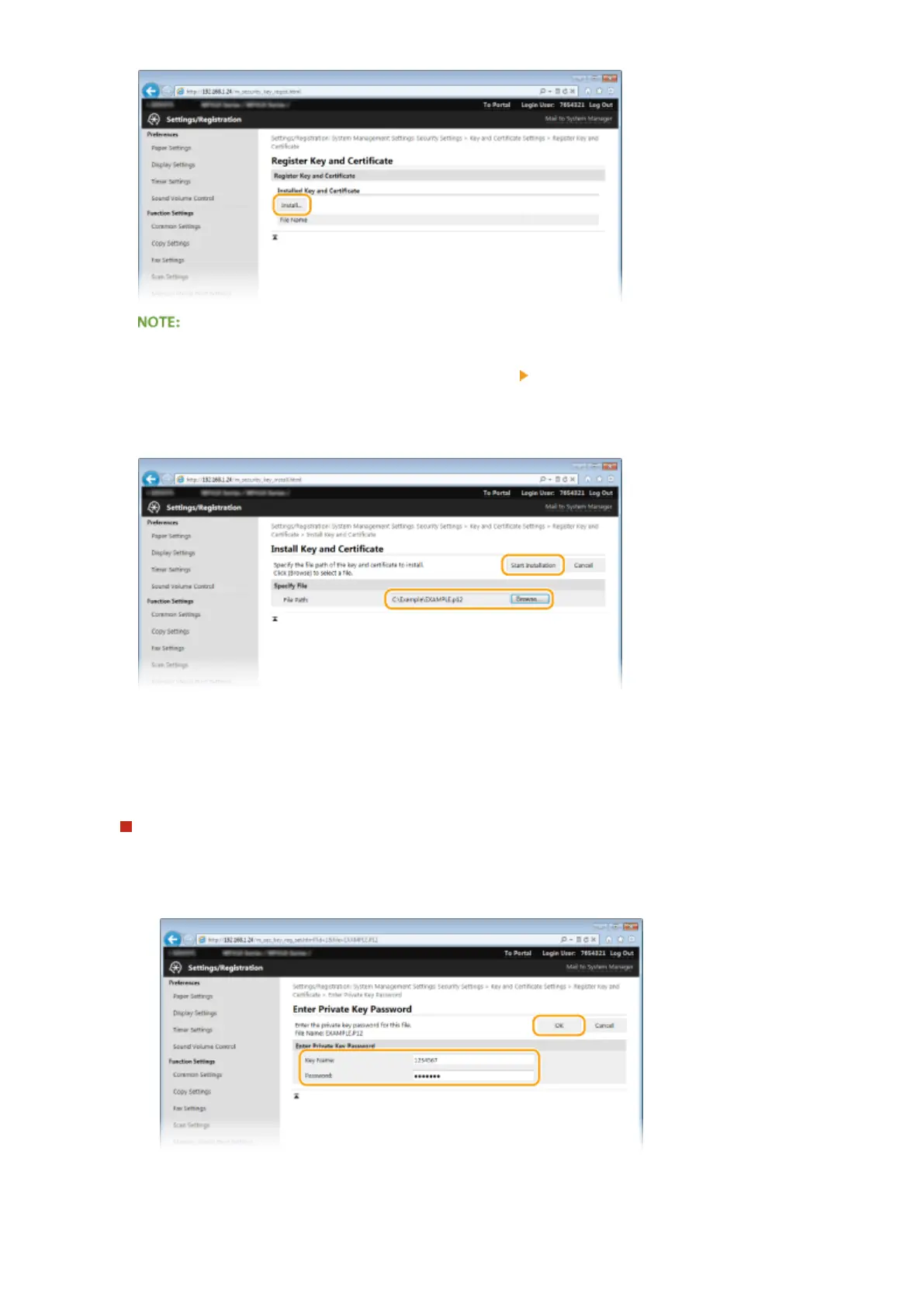
Click [Browse], specify the le to install, and click [Start Installation].
➠
The key pair or CA certicate is installed in the machine.
7
Register the key pair or CA certicate.
Registering a key pair
1
Click [Register] on the right of the key pair you want to register.
2
Enter the name of the key pair and password, and then click [OK].
[Key Name]
Enter up to 24 alphanumeric characters for the name of the key pair to be registered.
Security
600











 To Next Page