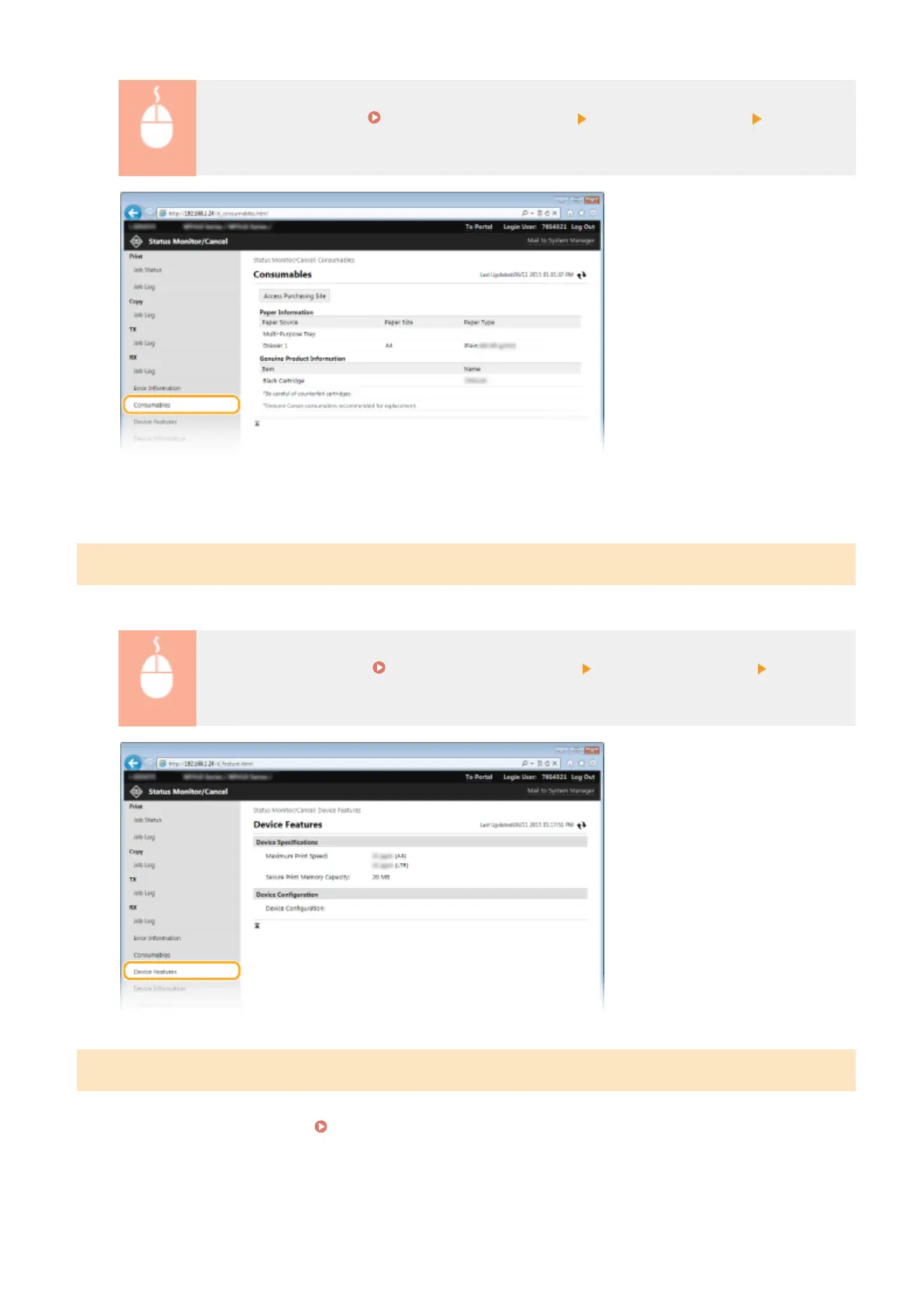
Log in to the Remote UI ( Starting Remote UI(P. 606) ) [Status Monitor/Cancel]
[Consumables]
● Click [Access Purchasing Site] to display the page for purchasing consumables.
Checking Device Specications
Information including maximum print speed and machine's hardware features is displayed.
Log on to the Remote UI ( Starting Remote UI(P. 606) ) [Status Monitor/Cancel] [Device
Features]
Checking System Manager Information
Information about the machine and the system manager is displayed. This information is set in [System Management]
on the [Settings/Registration] page.
System Management Settings(P. 707)
Using Remote UI
615



 To Next Page