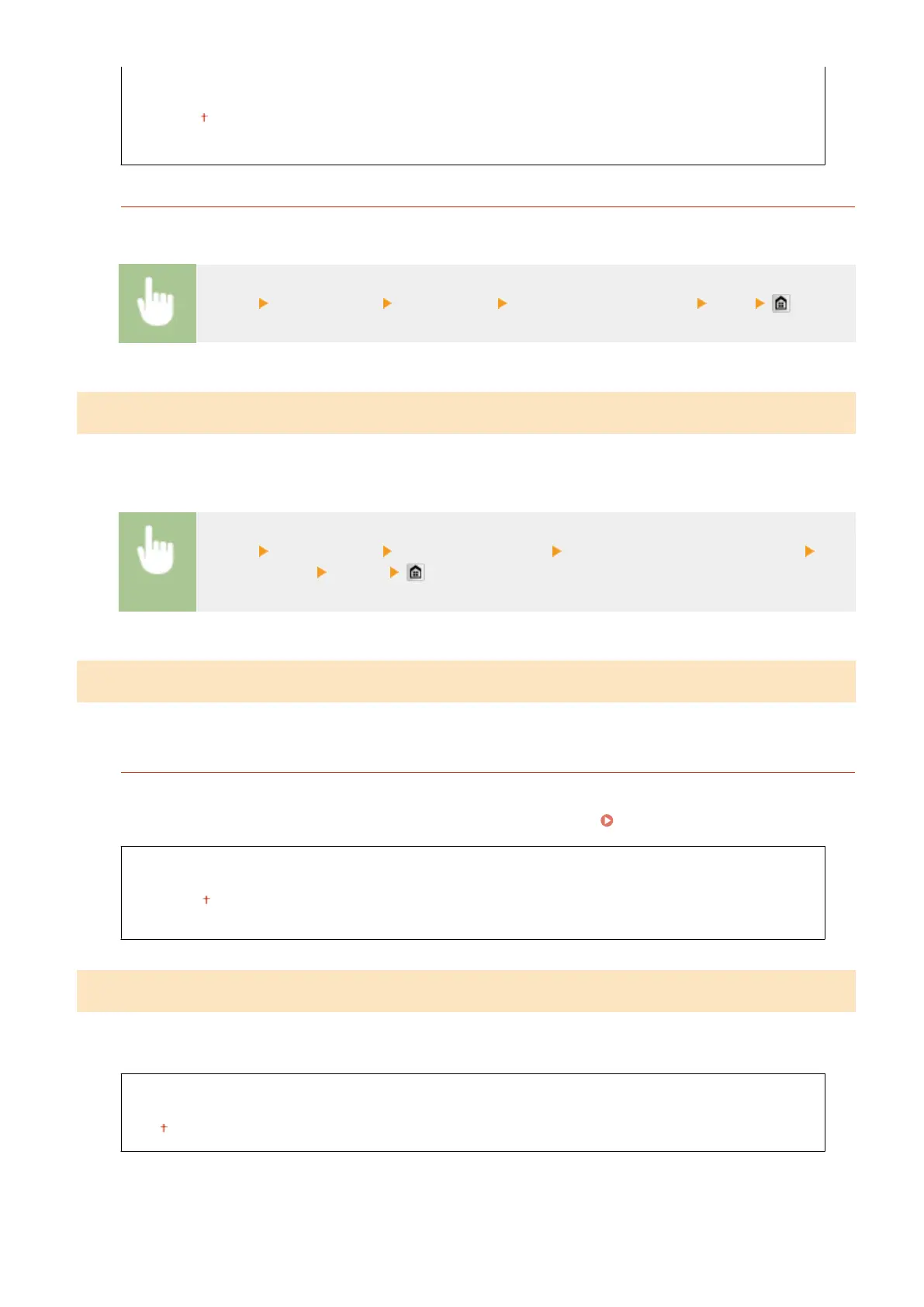
Data Size
Small: Memory Priority
Standard
Large: Image Quality Priority
Initialize Default Settings
You can change and register the settings used when documents are saved to a shared folder or FTP server.
<Menu> <Scan Settings> <File Settings> <Initialize Default Settings> <Yes>
Register Unit Name (E-Mail/I-Fax)
Register the sender name for e-mails and I-Faxes. The registered name is displayed in e-mails, along with the e-
mail address. If the sender name is not registered, only the e-mail address is displayed.
<Menu> <Scan Settings> <TX Function Settings> <Register Unit Name (E-Mail/I-Fax)> Enter
the sender name <Apply>
Output File Image Settings
Specify settings for the gamma value and le compression ratio for converting scanned documents into les.
YCbCr TX Gamma Value
Select the gamma value used when converting scanned color documents into the specied le format. You can
specify the same gamma value as that of the monitor which is to be used for viewing the converted les. The
les are displayed with brightness that is true to the original documents. Setting Gamma Values(P. 360)
Gamma 1.0
Gamma 1.4
Gamma 1.8
Gamma 2.2
OCR (Text Searchable) Settings
To run OCR (Optical Character Recognition) on a text document to create a "searchable PDF", specify whether the
machine determines the document's text direction and detects the document direction.
Smart Scan
Off
On
Setting Menu List
672



 To Next Page