<Menu> <Printer Settings> <Print Quality> <Barcode Adjustment Mode> Select the
mode
● Print density will be lighter when you select stronger improvement.
● When printing from the computer, the setting in the printer driver takes precedence. When the
setting of [Graphics Mode] in the printer driver is changed to [UFR II Mode] and [Barcode Adjustment
Mode] is changed to [Printer Default], the setting in the operation panel takes precedence.
● When you set this item to one of <Mode 1> to <Mode 3>, <Special Printing Mode A> is automatically
set to <Off>.
Special Printing Mode A(P. 702)
Layout
Specify the page layout settings such as binding position and margin values.
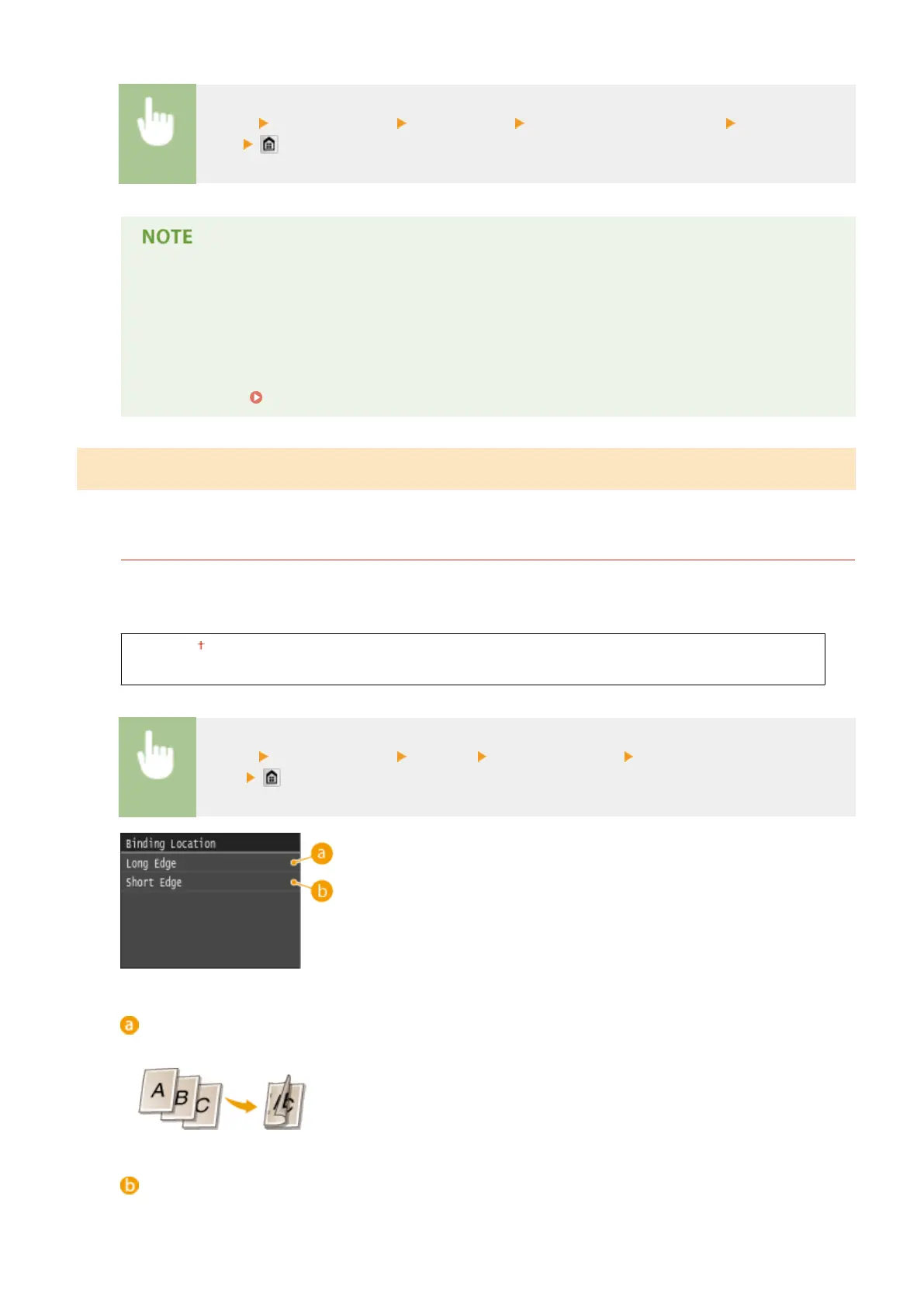
Binding Location
If you are binding the printouts with a binding tool such as a stapler, use this item to specify whether to bind on
the long or short edge. Specify the setting of this item in combination with <Gutter>, which species the binding
margin to apply to the binding position.
Long Edge
Short Edge
<Menu> <Printer Settings> <Layout> <Binding Location> Select <Long Edge> or <Short
Edge>
<Long Edge>
Specify this to bind on the long edge of paper.
<Short Edge>
Specify this to bind on the short edge of paper.
Setting Menu List
682



 To Next Page