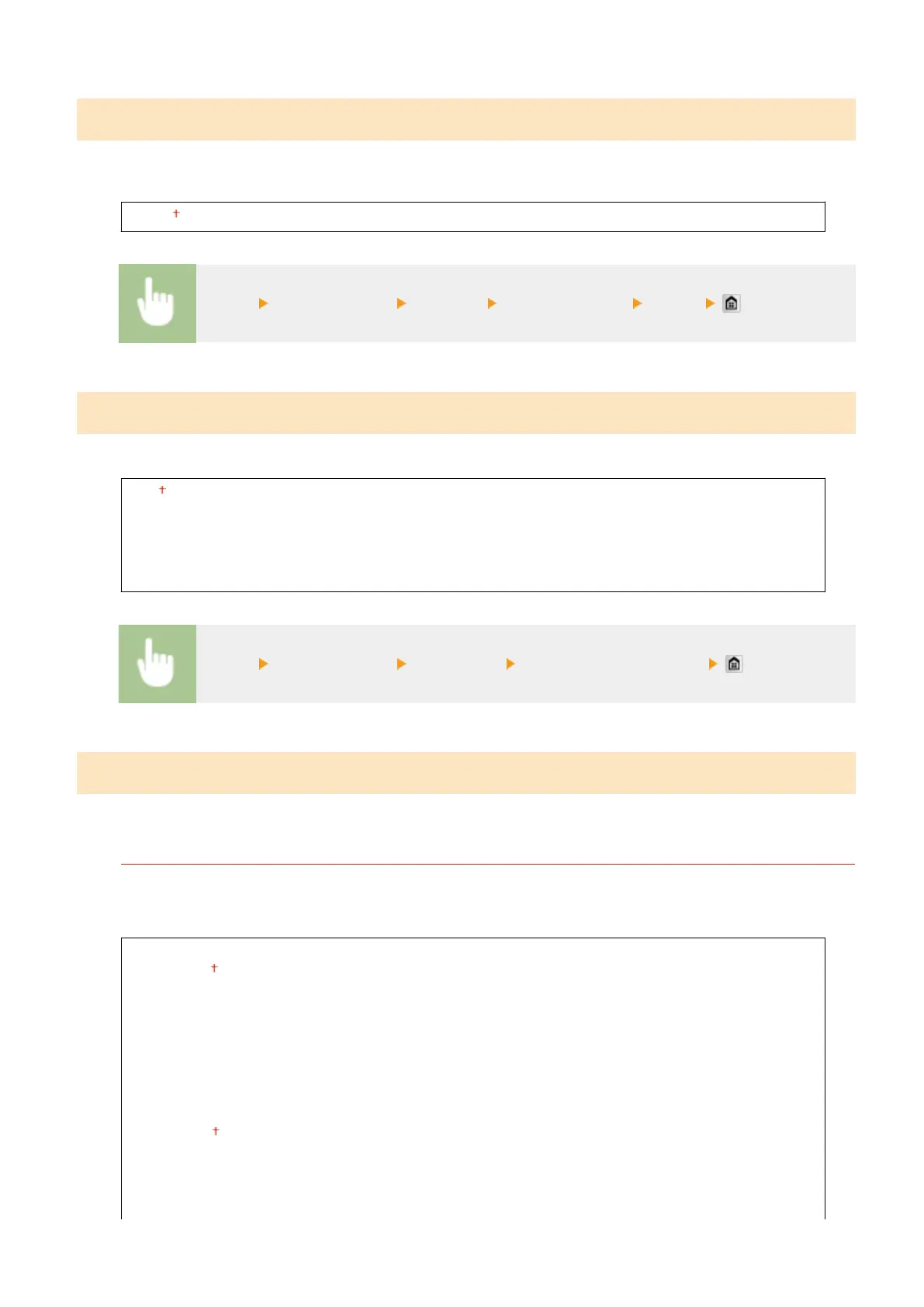
Timeout
Set the time period after which the current print job is automatically canceled in the case of a print data reception
interruption.
5 to 15 to 300 (sec.)
<Menu> <Printer Settings> <Timeout> Set the time period <Apply>
Personality
Specify the mode in which the machine should operate when the format of document data is unknown.
Auto
PS
PCL
PDF
XPS
<Menu> <Printer Settings> <Personality> Select the Personality mode
UFR II
You can change the settings that become effective when printing from the UFR II printer driver.
Halftones
You can select the printing method to reproduce halftones (the intermediate range between the lighter and
darker areas of an image) for optimal image quality. For each document, you can make settings by type of
image.
Text
Resolution
Color Tone
Gradation
High Resolution
Graphics
Resolution
Color Tone
Gradation
High Resolution
Setting Menu List
685



 To Next Page