Are you using appropriate paper?
● Check usable paper, and replace with appropriate paper.
Paper(P. 858)
Loading Paper(P. 51)
Is it time to replace the toner cartridge?
● Materials inside the toner cartridge may have deteriorated. Replace the toner cartridge.
How to Replace Toner Cartridges(P. 798)
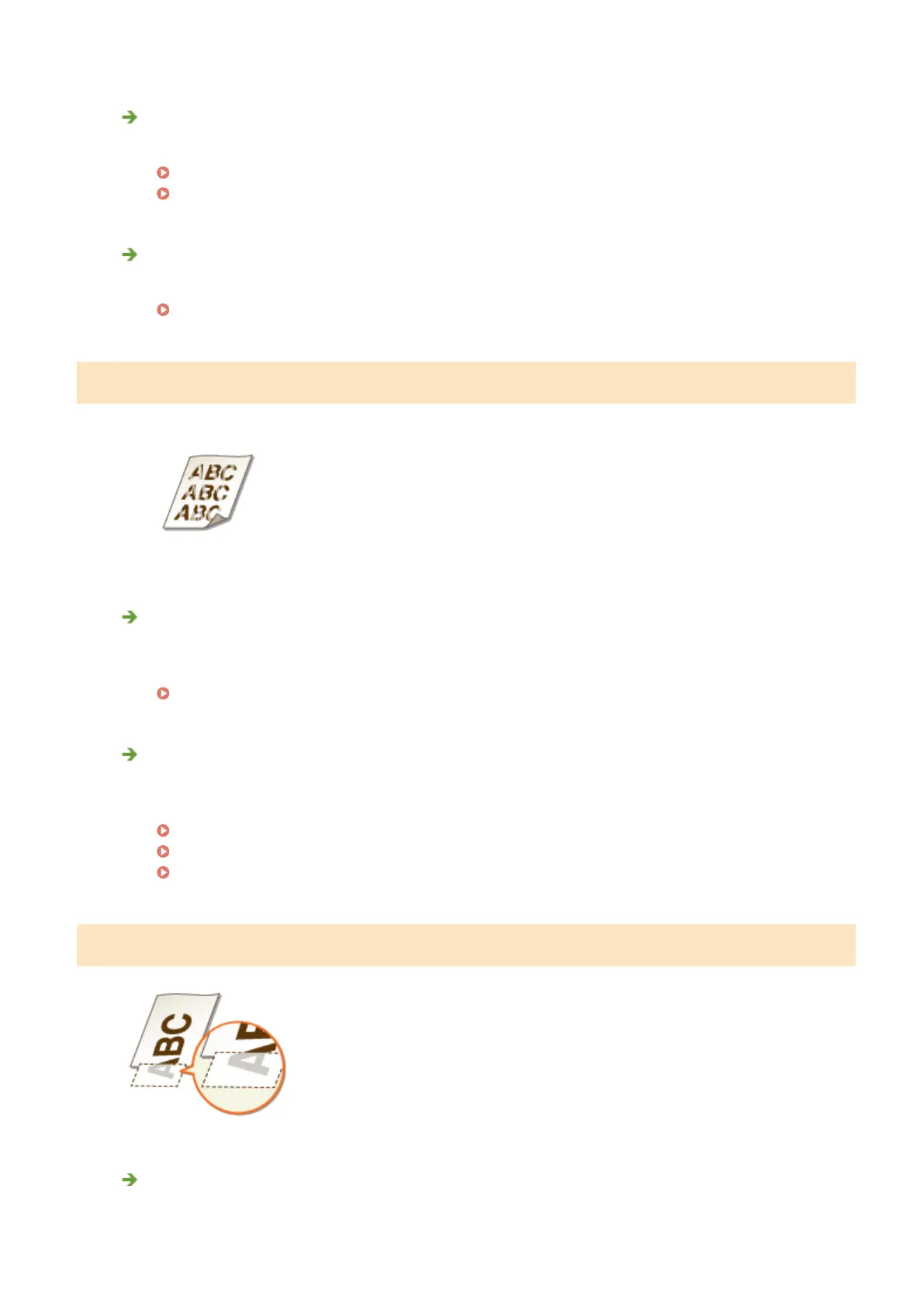
Printouts Are Faded
Is the amount remaining in toner cartridge running low?
● Remove the toner cartridge, shake it ve or six times gently to evenly distribute the toner inside the
cartridge, and then reload it into the machine.
Using Up Toner(P. 796)
Are you using appropriate paper?
● Check usable paper, and replace with appropriate paper. Also, specify the paper size and type settings
properly.
Paper(P. 858)
Loading Paper(P. 51)
Specifying Paper Size and Type(P. 67)
A Portion of the Page Is Not Printed
Do the paper guides align with the edges of the paper?
● If the paper guides are too loose or too tight, part of a document may not be printed.
Troubleshooting
772



 To Next Page