5
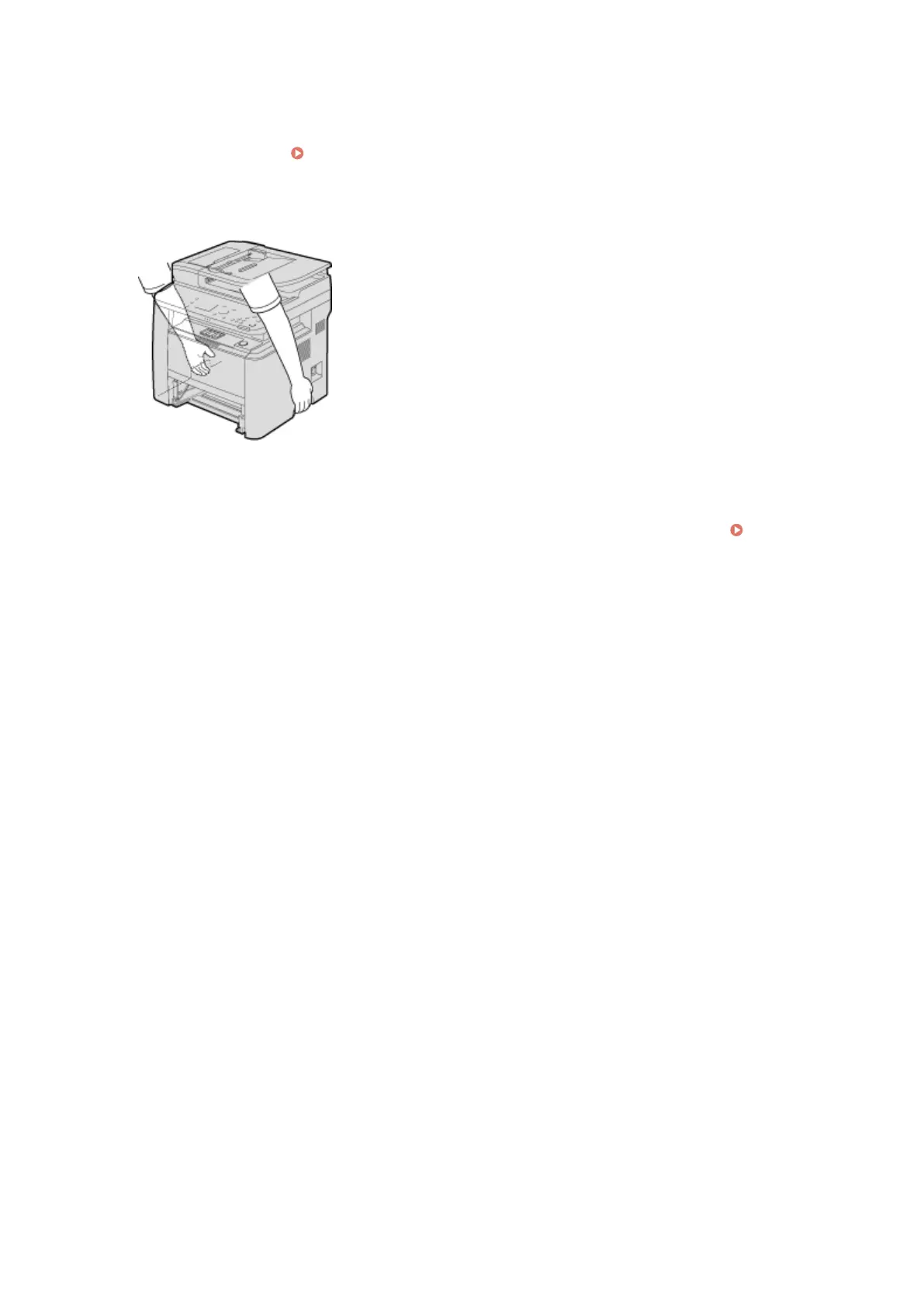
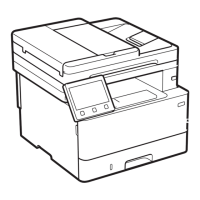
Close all the open covers, and move the machine to a new location.
● The machine is heavy ( Machine Specications(P. 852) ). Do not try hard to carry the machine.
● Position yourself toward the front side of the machine and hold the lift handles, then lift up the machine. If
you have attached the optional paper feeder, leave the optional paper feeder on the oor and move it after
moving the main unit of the machine.
6
Carefully place the machine at the new installation site.
● For information about how to install the machine after relocating it, see "Getting Started." Manuals
Included with the Machine(P. 873)
Maintenance
802



 To Next Page