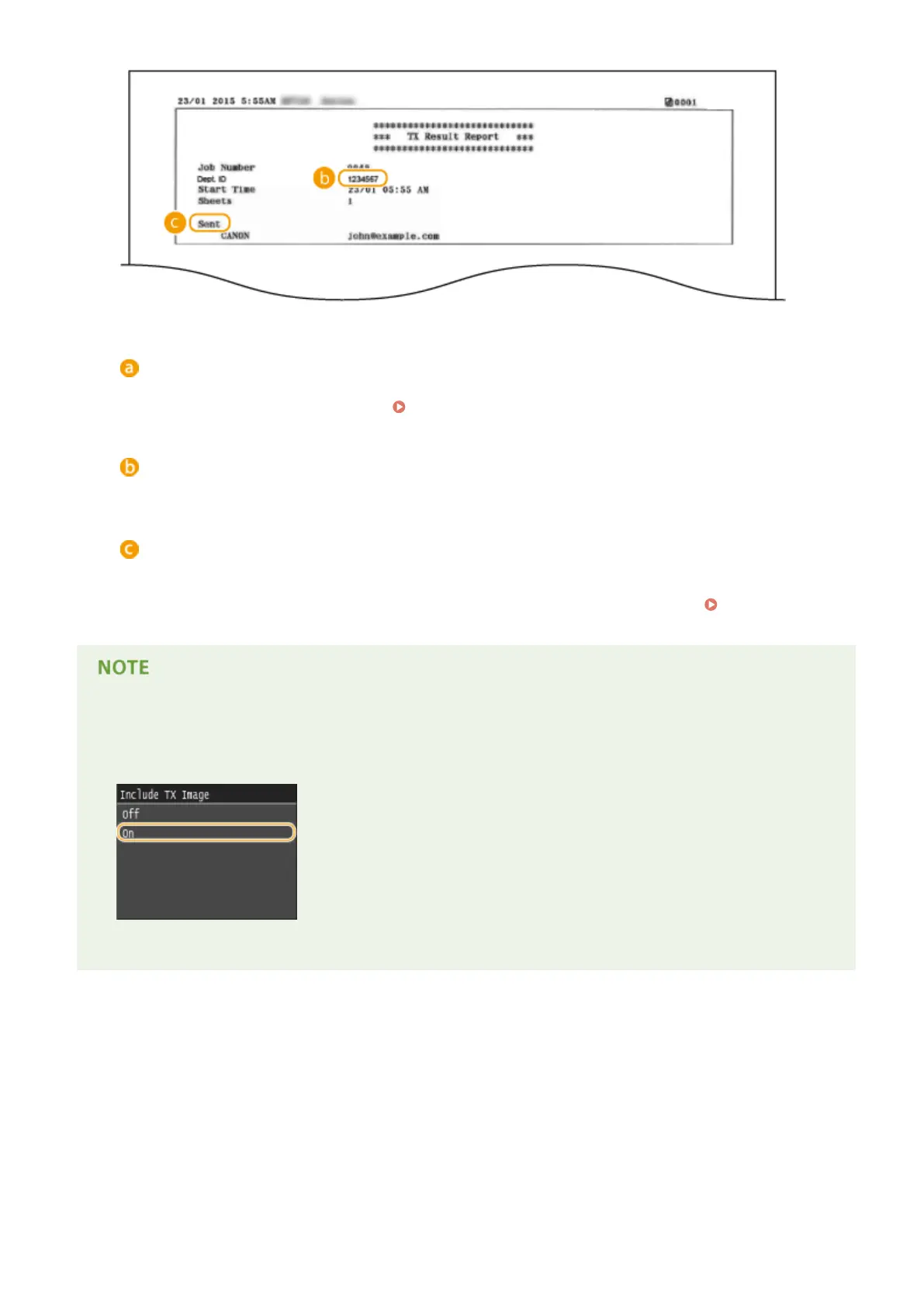
Result
"OK" indicates that the transmission was completed successfully while "NG" and three digits (an error code)
indicates that the transmission failed (
When an Error Code Appears(P. 747) ).
Department ID
The Department ID is shown when Department ID Management is enabled.
Sent/Error
For e-mail, TX Result Reports indicate the transmission result between the machine and the mail server, not
between the machine and the destination address. Even if the transmission fails, a three-digit error code will
not be printed. To check the error code, print a Communication Management Report ( Communication
Management Report(P. 812) ).
To print a part of a fax document on the report
● When you select <On> or <Only When Error Occurs>, a part of a fax document can be included in the report.
Set <Include TX Image> to <On>.
Example:
Maintenance
810











 To Next Page