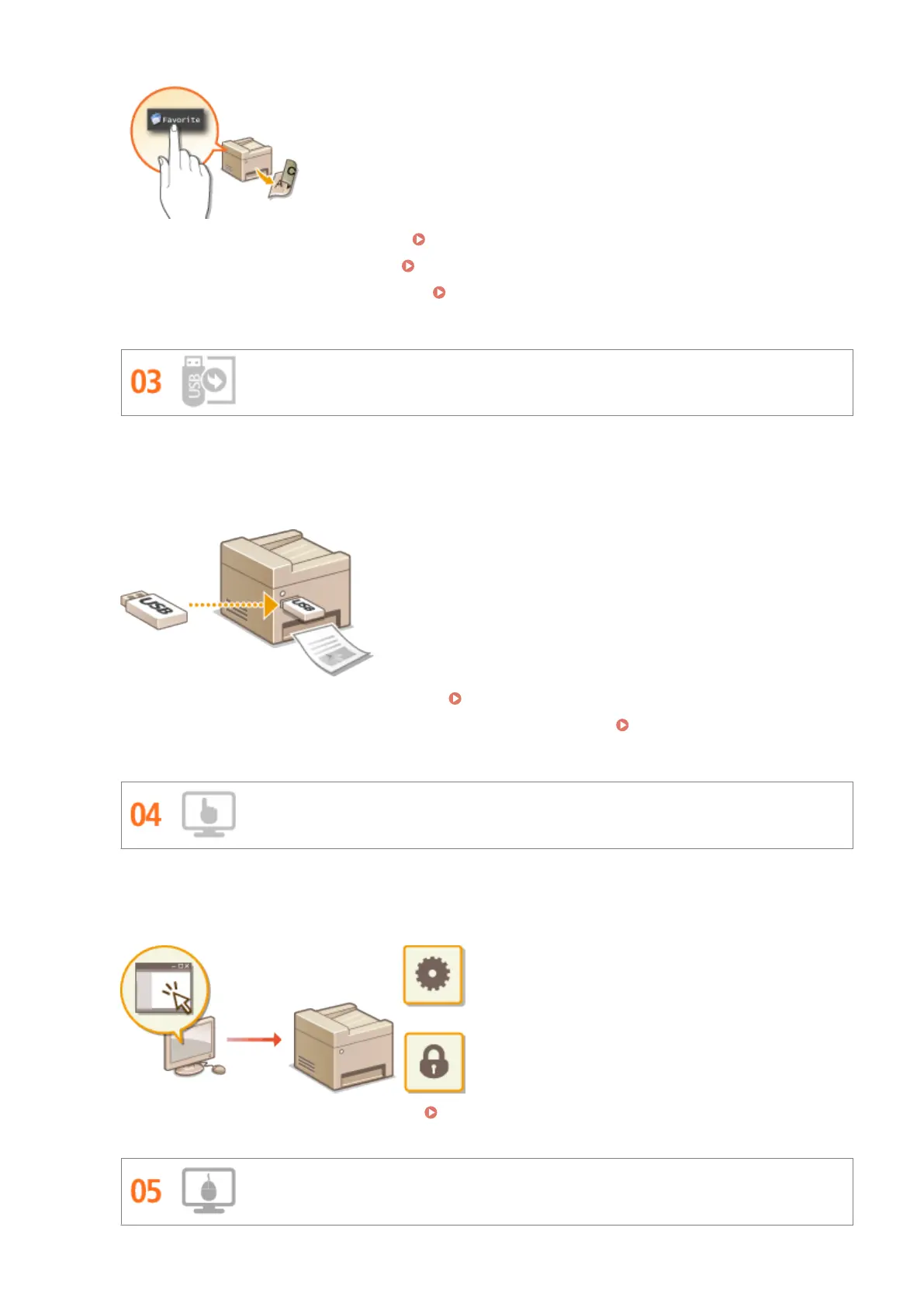
● To register your favorite copy settings: Registering Frequently Used Copy Settings(P. 132)
● To register your favorite fax settings:
Registering Frequently Used Fax Settings(P. 174)
● To register your favorite scan settings: Registering Frequently Used Scan Settings (E-Mail/I-Fax/
Shared Folder/FTP Server)(P. 379)
Print Images Right Off Your USB Memory Device
Plug a USB memory device into the machine and you can print images and documents directly, without using a
computer. You can even preview JPEG and other images before you print, so there is no wasted paper. You can
also scan handwritten memos, etc. and save them directly to a USB memory device. Convenient for carrying
about.
● To print directly from a USB memory device: Printing from USB Memory (Memory Media Print)(P. 289)
● To store scanned document data directly into a USB memory device: Scanning Documents Directly to
USB Memory(P. 332)
Remote Management with Remote UI
Remote UI lets you manage a lot from your computer, all without having to go over to the machine. Congure
settings and keep an eye on the machine's status with an intuitive, easy-to-understand Web browser interface
that you'll master immediately. Save your time and energy for things other than taking care of the machine.
For more information about this function, see Using Remote UI(P. 605) .
Make Print Settings Quickly with Intuitive Operation
Appendix
843











 To Next Page