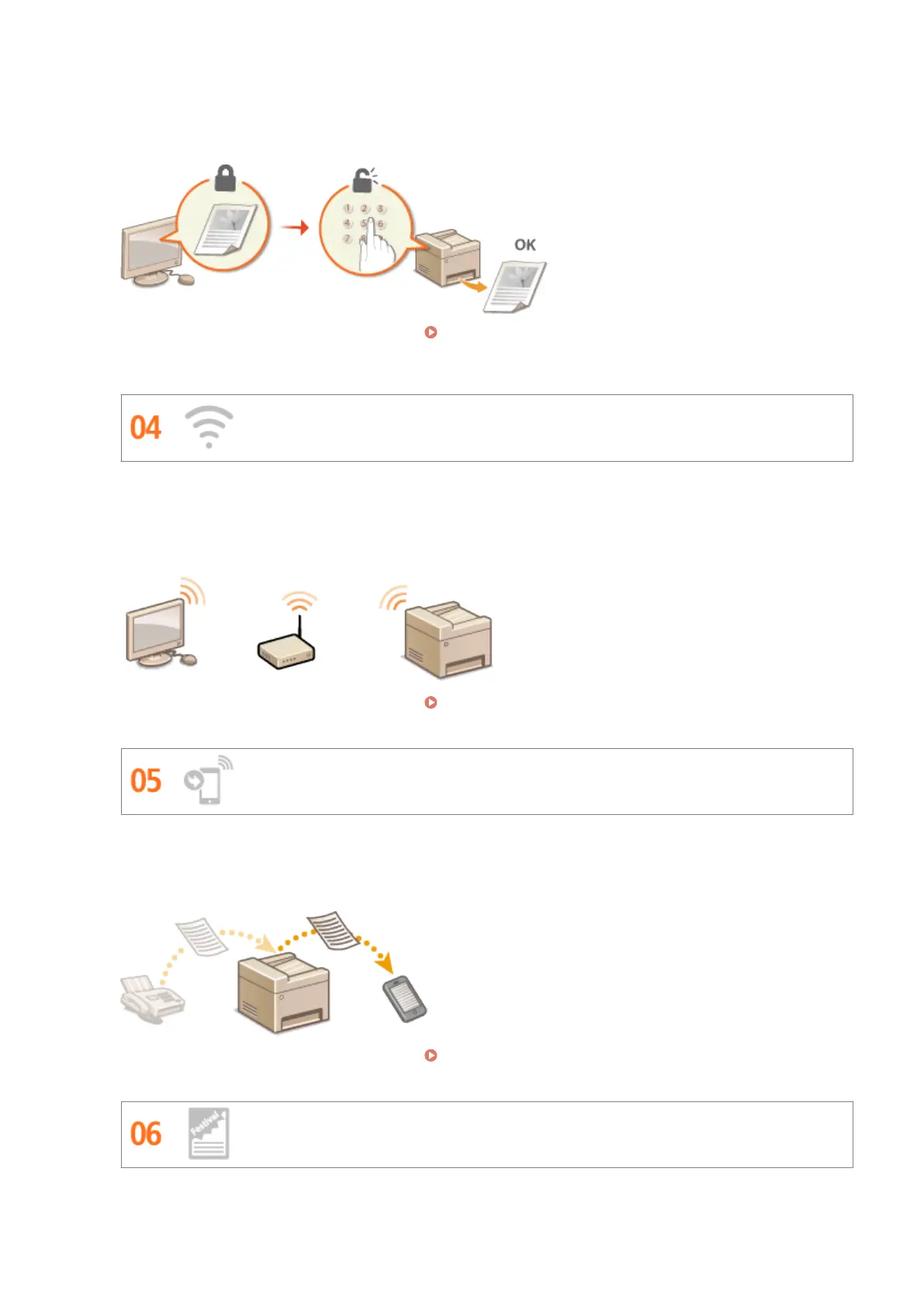
Normally, when you print something from your computer, it comes out of the printer right away. However, if
you have sensitive documents, this may not be what you want. Just use secure printing and no one will be able
to print your documents without entering your password on the machine's operation panel. Don't let your
condential documents lie exposed on the tray for everyone to see.
For more information about this function, see Printing a Document Secured by a PIN (Secure Print)
(P. 276) .
Go Wireless
No cables, easy installation, simple maintenance. If you've got a WPS wireless LAN router, bypass the settings
process altogether and be ready to go before you know it. Enjoy the kind of clutter-free and easy to use
document system that you can only get from wireless. Compatible with IEEE 802.11b/g/n for stress-free
wireless, and also supports WEP and WPA/WPA2-PSK (TKIP/AES-CCMP) for tighter security.
For more information about this function, see Connecting to a Wireless LAN (P. 419) .
Get Faxes Wherever You Go (MF419x / MF416dw)
Never worry about missing a fax when you're out of the oce. Set a forwarding destination and any fax that
comes in on the machine will go right to you. Better yet, make the forwarding destination the e-mail address for
your tablet or mobile.
For more information about this function, see Forwarding Received Faxes(P. 191) .
Make Posters
Appendix
849











 To Next Page