2
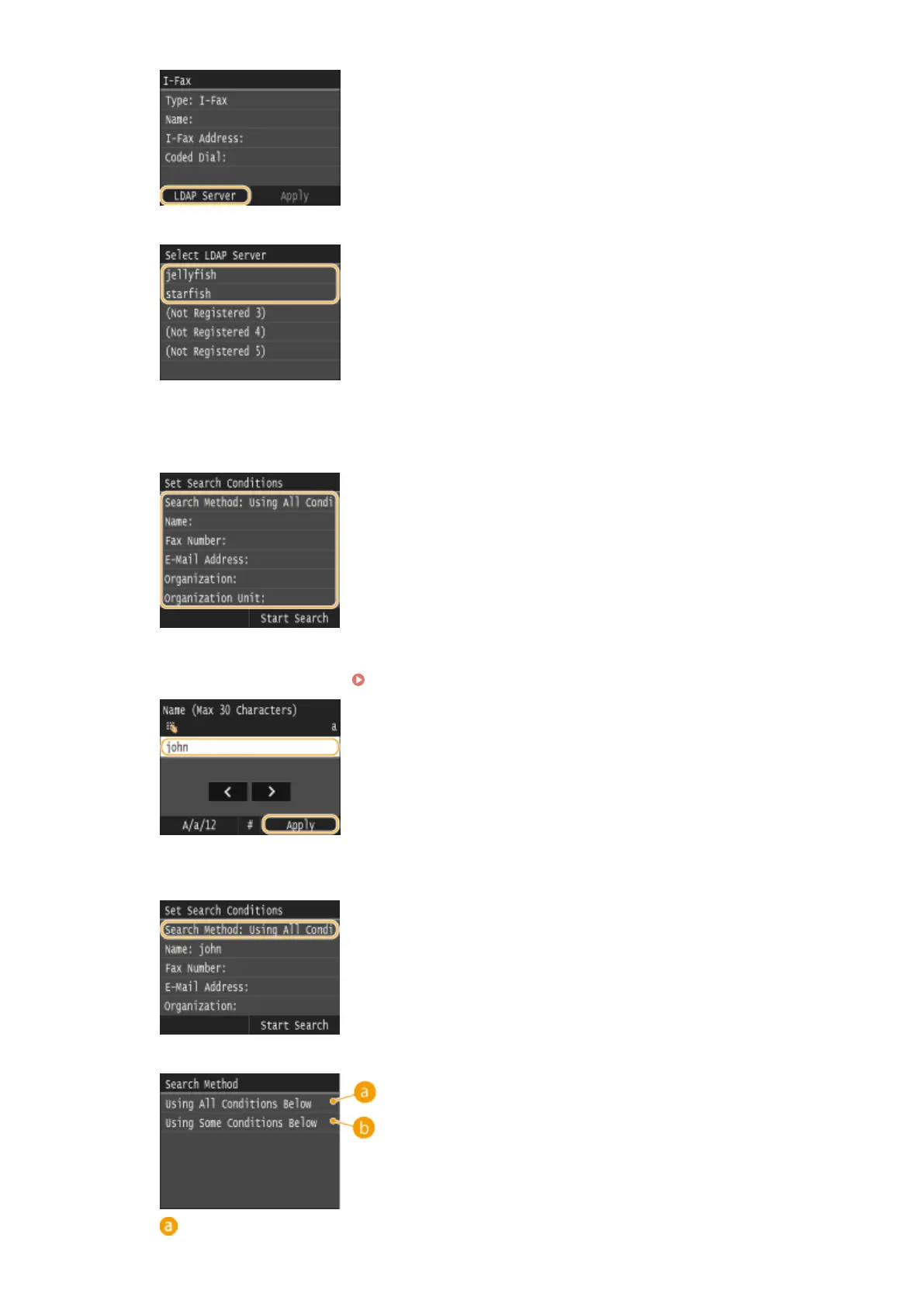
Select the LDAP server you are using.
3
Select the search criteria.
● Name, fax numbers, e-mail addresses, organization names, and organization unit are available criteria
for searching destinations.
4
Enter the search target character string using the numeric keys, and tap <Apply>.
● On how to enter text, see Entering Text(P. 41) .
● To specify multiple search criteria, repeat steps 3 and 4.
5
Tap <Search Method>.
6
Select the search method.
<Using All Conditions Below>
Basic Operations
81











 To Next Page