Windows Server 2003
[Start] [Run] enter "D:\MInst.exe" click [OK]
◼ Printing a Test Page in Windows
You can check whether the printer driver is operational by printing a test page in Windows.
1
Load A4 size paper in the multi-purpose tray. Loading Paper in the Multi-Purpose
Tray(P. 58)
2
Open the printer folder. Displaying the Printer Folder(P. 892)
3
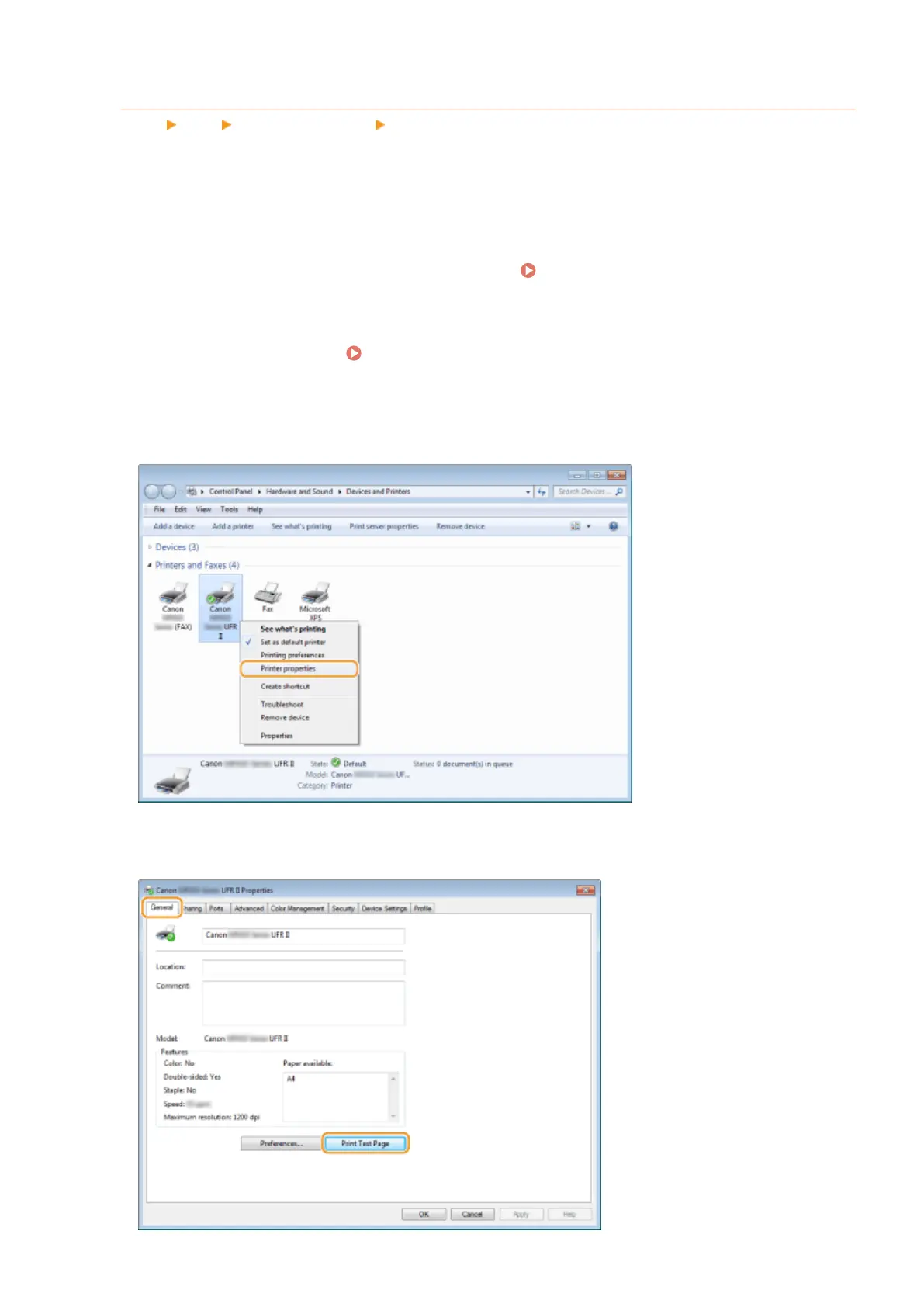
Right-click the printer driver icon for this machine and click [Printer properties] or
[Properties].
4
Click [Print Test Page] in [General] tab.
Appendix
894











 To Next Page