• When Roll paper auto feed is Enable and if you attach the roll holder without the roll paper•
loaded on the roll holder, Preparing to feed the paper... appears on the operation panel. In this
case, press the Stop button on the operation panel to cancel feeding.
Note
• For the procedure for attaching the roll paper to the Roll Holder, see "Loading Rolls on the Roll•
Holder."
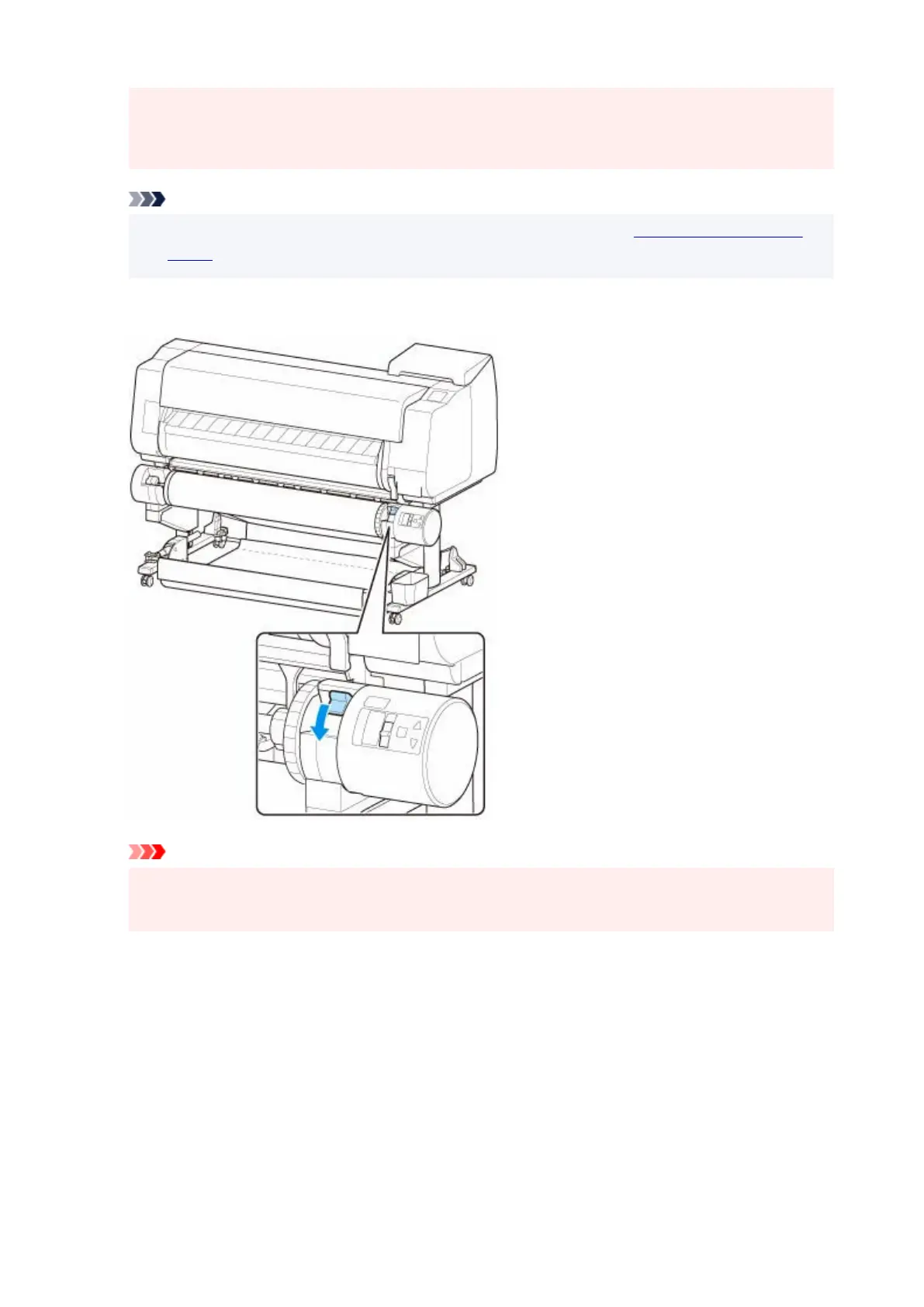
4.
Change Roll Holder Lock switch on roll unit to locked position.
4.
Important
•
If you do not change Roll Holder Lock switch to locked position, the roll paper cannot be fed
•
automatically.
5.
Change feed flap switch on top of roll unit to feed icon position on the left.
5.
107












 To Next Page