Important
•
Be sure to select the correct paper type. If this setting does not match the loaded paper, it may
•
cause feed errors and affect printing quality.
Note
•
For details on media types, see "Paper Information List." At the factory default settings, Plain
•
Paper is selected for the media type.
• When the release lever is operated, the settings automatically return to the last selected media•
type.
Using the Same Type of Paper Regularly
Configure this setting so that current media type settings will be automatically selected when you load the
same type of paper later.
1.
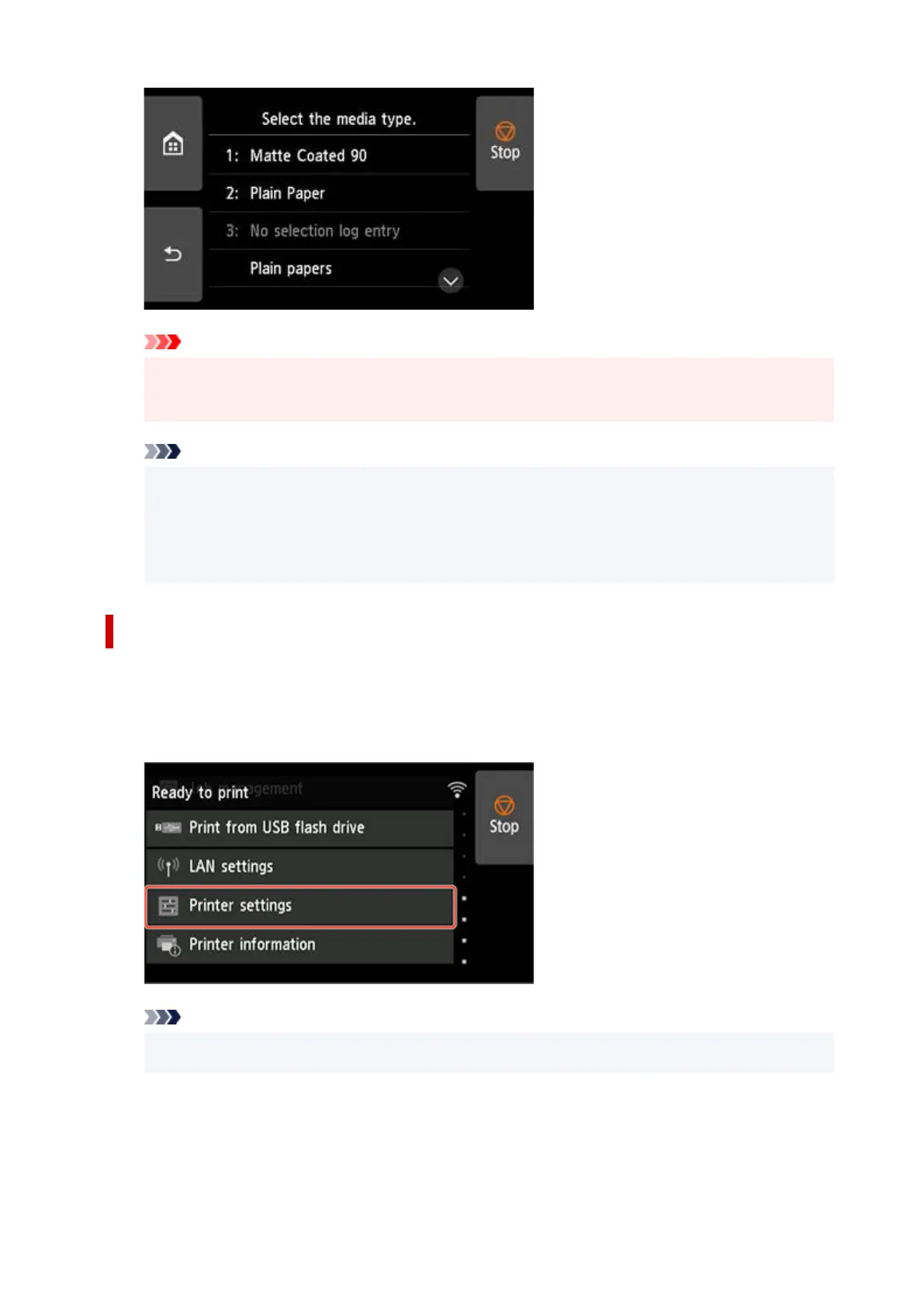
Tap Printer settings on Home screen of touch screen.
1.
Note
•
If the Home screen does not appear, tap the HOME button.
•
2.
Tap Paper-related settings.
2.
113












 To Next Page