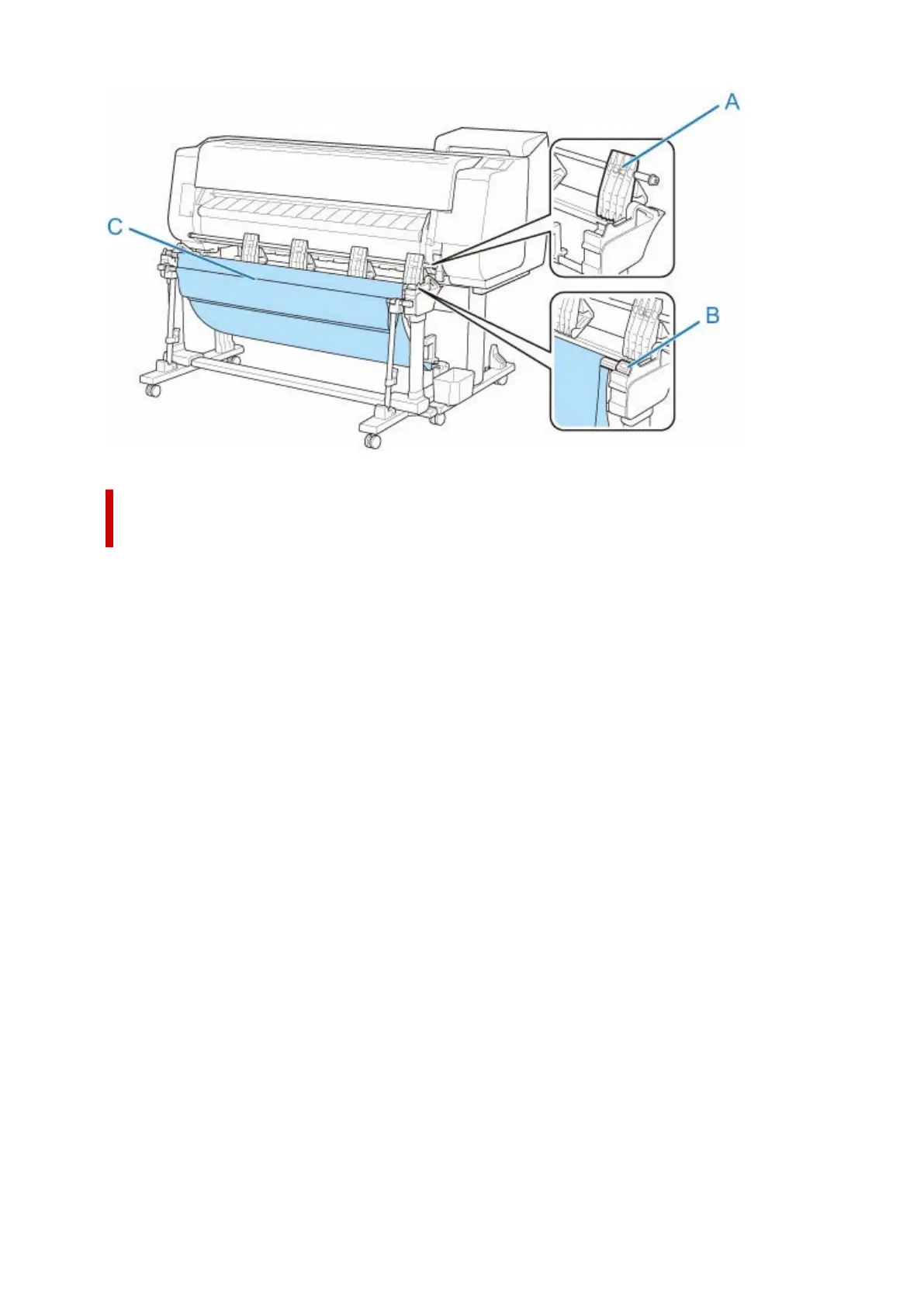
Stacking Printed Materials with ARCH D Portrait or A1 Portrait (Position
3)
• Supported paper size•
◦ 24"x36" (ARCH D) 24.00 x 36.00 inches (609.6 x 914.4 mm)
◦ A1 23.39 x 33.11 inches (594.0 x 841.0 mm)
Pull down the rod (fixed) (E) toward you. Set the rod (adjustable) in the groove (B) at the upper of the
stand, and then set the flapper (A) vertically so that the stacker configuration is the Position 3. Then attach
the paper stopper (C) stored in the accessory pocket of the stand to the lower of the second part (D) from
the right side of the flapper.
180












 To Next Page