◦
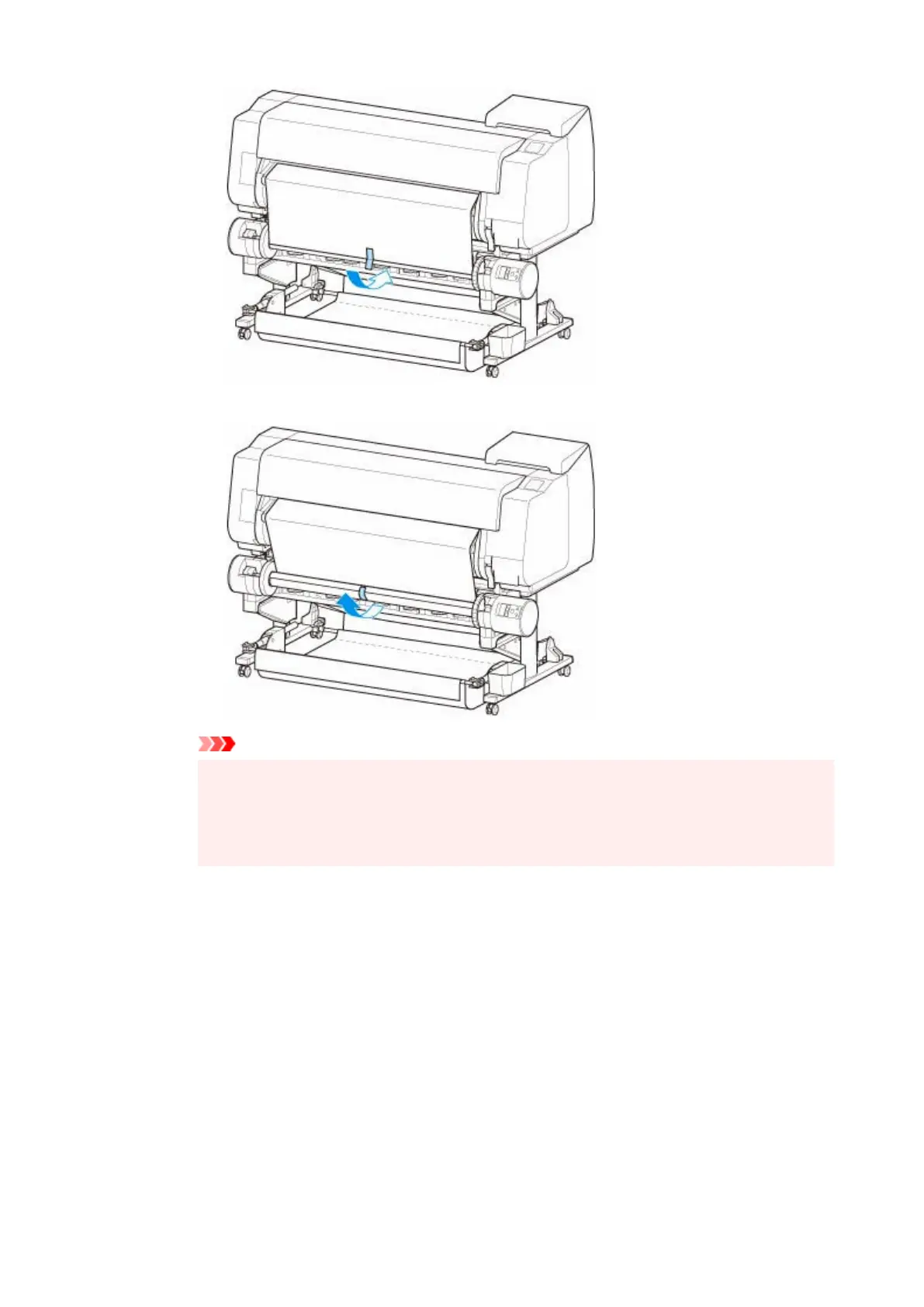
Inward Winding
◦
Important
• If winding with inward winding, you must pass the leading edge of the roll paper to the•
back of the paper core and secure with tape. If this operation is difficult, you can also
remove the roll holder, push the roll paper into the back, reinstall the roll holder, and pass
the roll paper to the back of the paper core.
3.
Align right edge of roll paper to right edge of paper core while pulling on roll paper evenly, and
3.
secure with tape.
4.
While making sure that roll paper is flat, secure left edge of roll paper to paper core with tape.
4.
◦
Outward Winding
◦
191












 To Next Page