9.
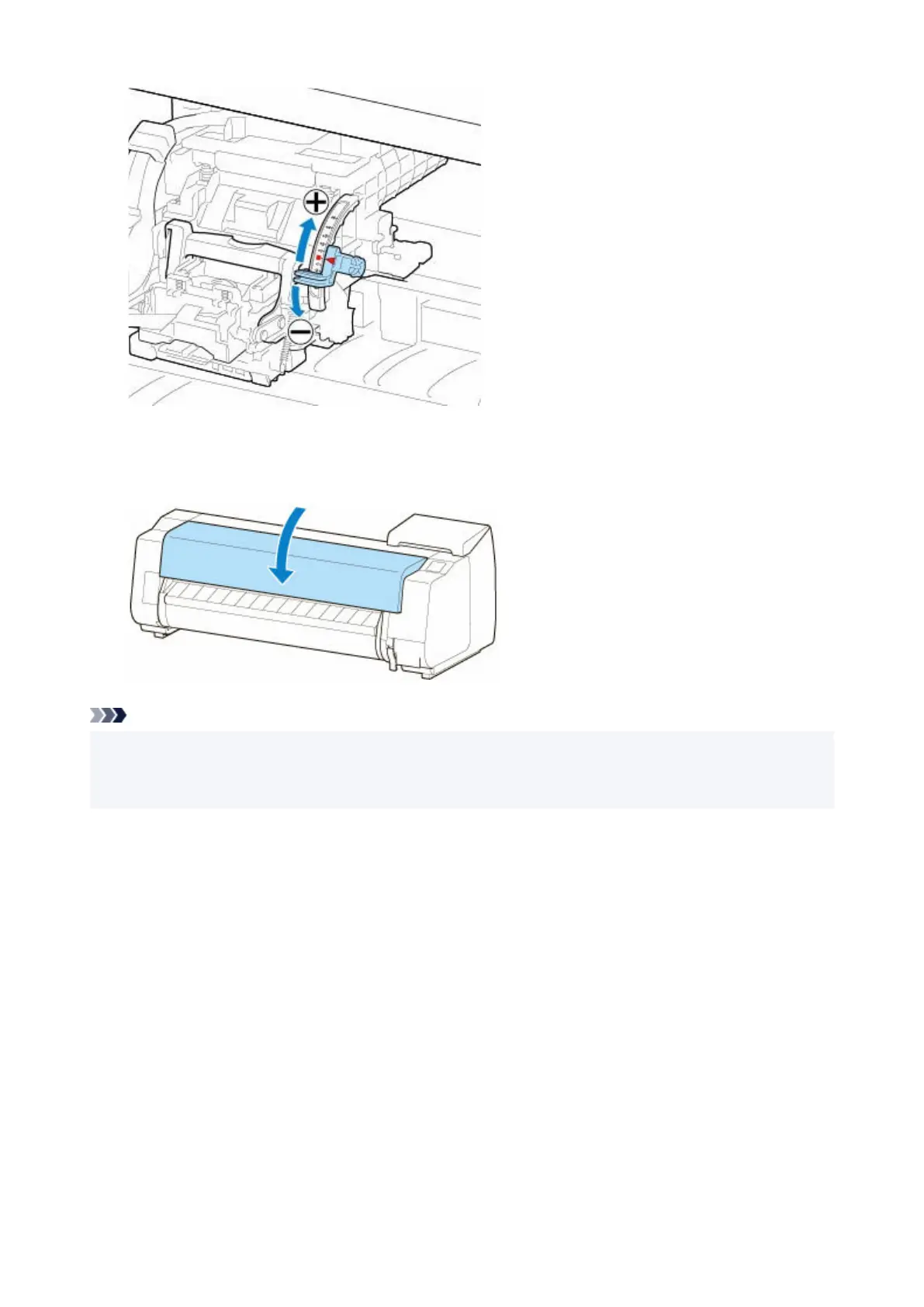
Close the top cover.
9.
The print head is now straight, and adjustment is complete.
Note
• If the problem, such as misaligned lines or color unevenness, is not solved after adjustment, execute
Print head angle adjustment and move the angle adjustment lever in the front or the rear of the last
position. When finished, execute Print Head Alignment again.
423












 To Next Page