Note
•
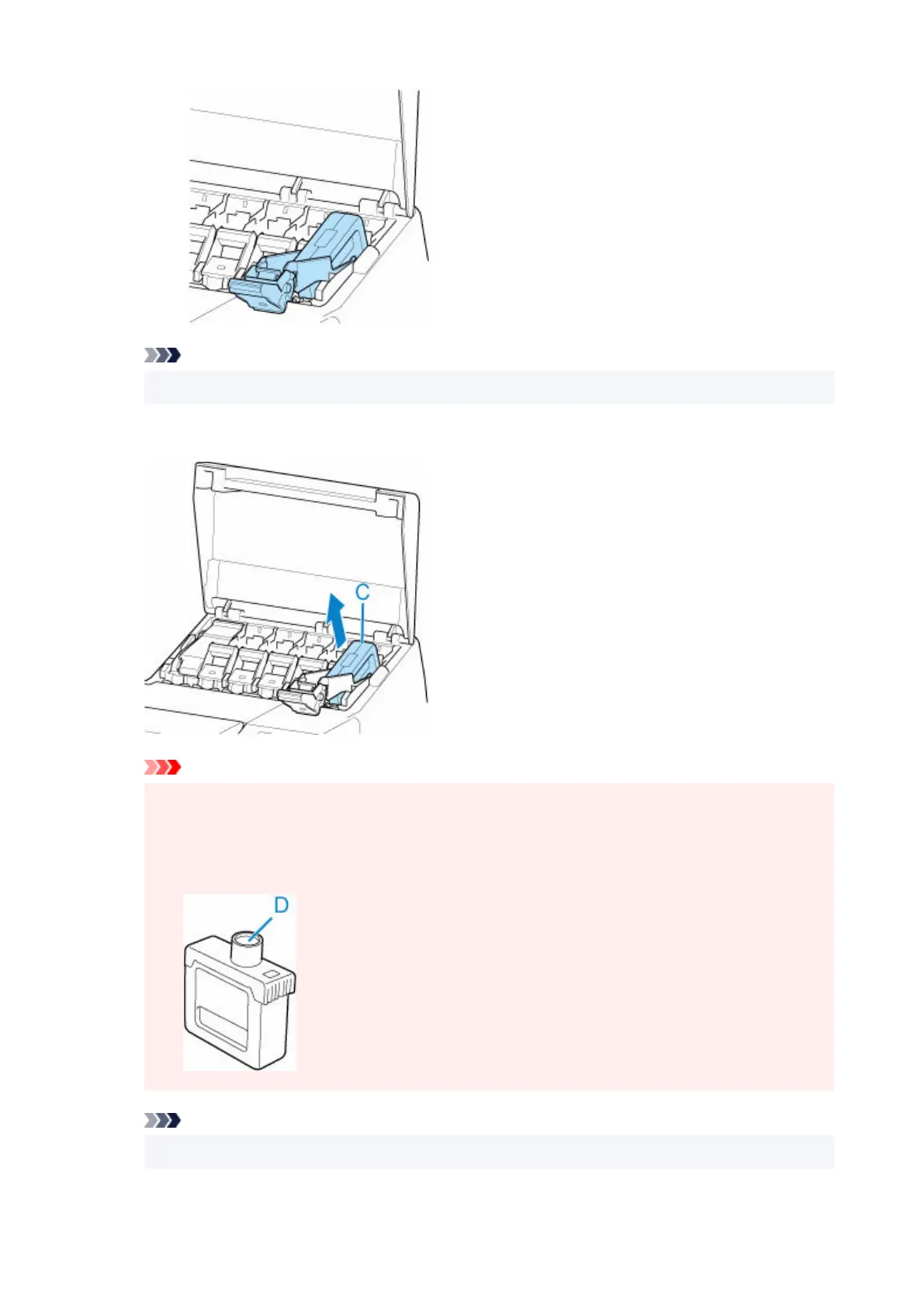
Check that the ink tank lock lever does not return.
4.
Remove ink tank by grips (C), and then tap OK.
4.
Important
• Do not turn off the power of the printer with the ink tank removed except in the case of the•
preparation for transportation. Otherwise, inside of the ink tank cover may be stained.
•
Store the removed ink tank with ink remaining with the ink holes (D) facing up. Otherwise, ink
•
may leak and cause stains. Put the removed ink tank in a plastic bag and close the bag.
Note
•
Dispose of the used ink tank in accordance with local regulations.
449












 To Next Page