Removing ink tank (23.7 fl oz (700 ml))
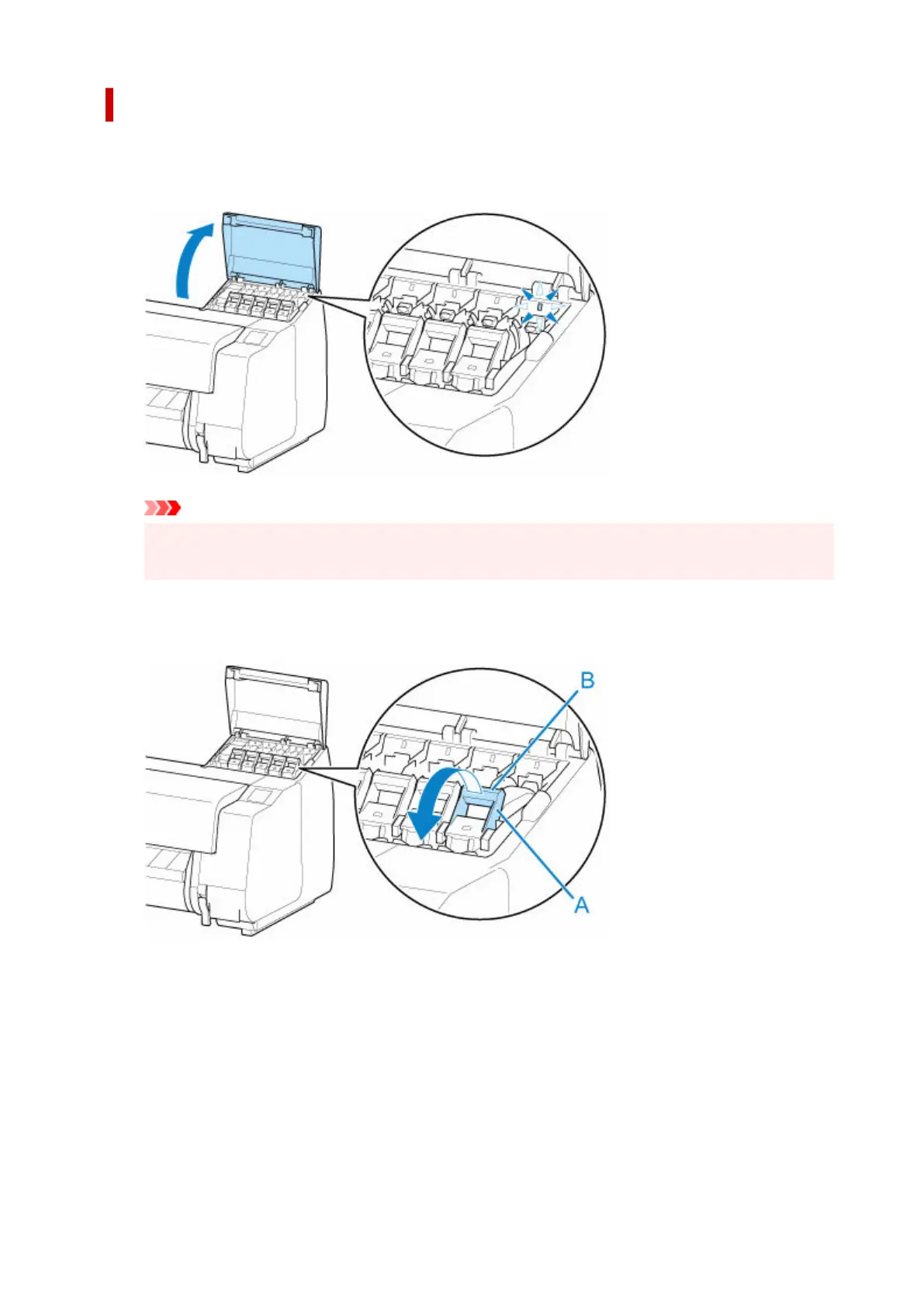
1. Open ink tank cover and check ink lamp.1.
The ink lamp flashes if there is no ink left.
Important
• Avoid jarring the printer a lot when replacing an ink tank. Handle the printer gently when
replacing tanks. Jarring the printer during printing may affect printing quality.
2. Pull forward handle part (A) of ink tank lock lever of color to replace while pressing button2.
at B.
3.
Pull out ink tank lock lever.
3.
1.
Pull ink tank lock lever straight up.
1.
450












 To Next Page