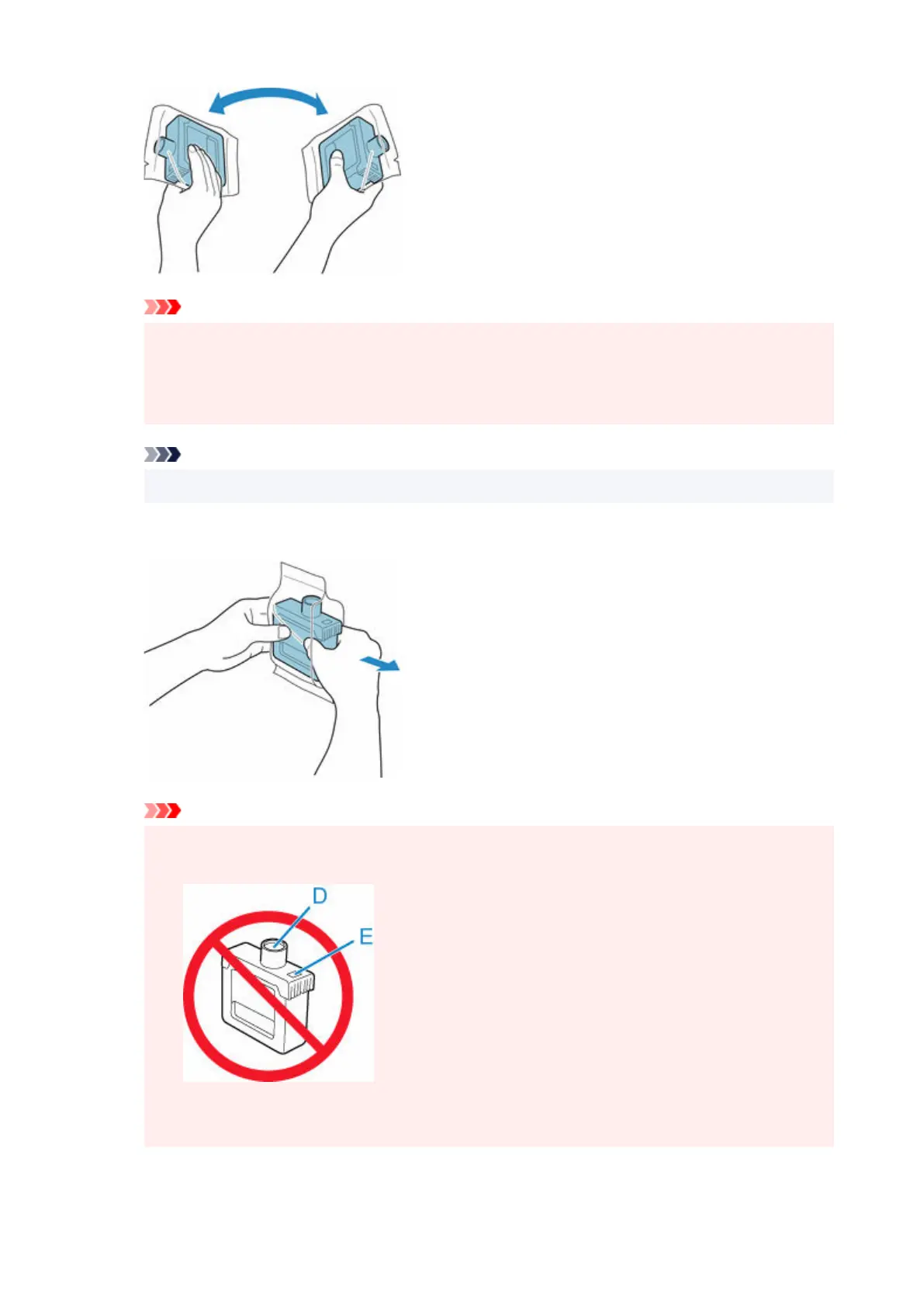
Important
•
Do not remove and agitate an ink tank that has already been installed in the printer. Ink may
leak out.
•
Failure to agitate the ink tank may cause the ink components to precipitate and may affect
printing quality.
Note
•
If the ink tank is at a low temperature, allow it to warm up to room temperature before installing.
2.
Open the pouch and remove the ink tank.
2.
Important
• Never touch the ink holes (D) or the metal contacts (E). This may cause stains, damage the ink•
tank, and affect printing quality.
•
Avoid dropping the ink tank after removing it from the pouch. Otherwise, ink may leak and
cause stains.
3.
Tap OK and insert ink tank into holder with ink holes down and metal contacts at rear.
3.
453












 To Next Page