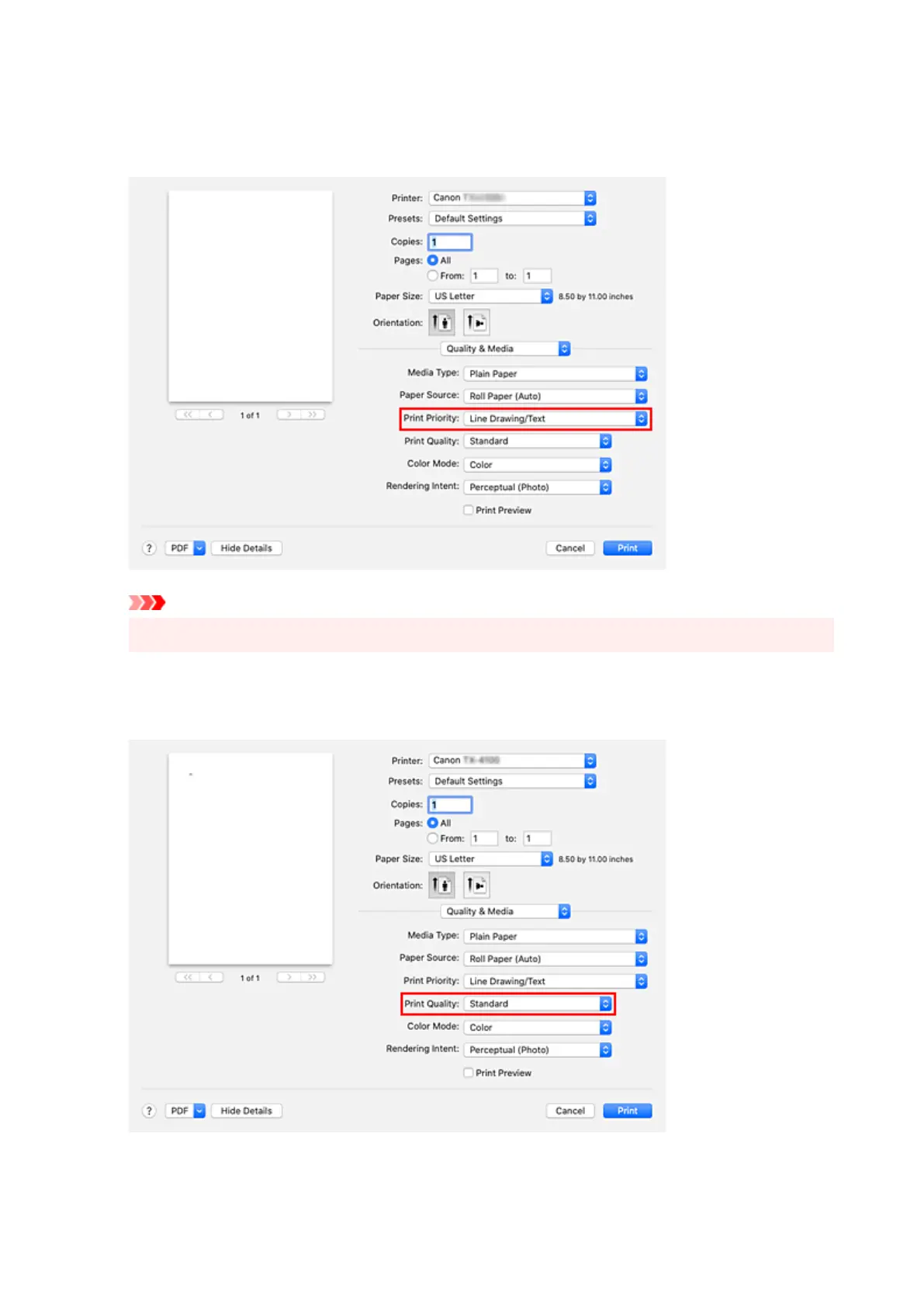
8. Select print priority8.
For Print Priority, select Image, Line Drawing/Text, or Auto (Use Printer Settings) according to your
purpose.
Important
• The selectable print priority differs depending on media type settings.
9.
Select the print quality
9.
For Print Quality, select High, Standard or Fast according to your purpose.
560












 To Next Page