Important
• The print quality settings that can be selected may differ depending on a printing profile.
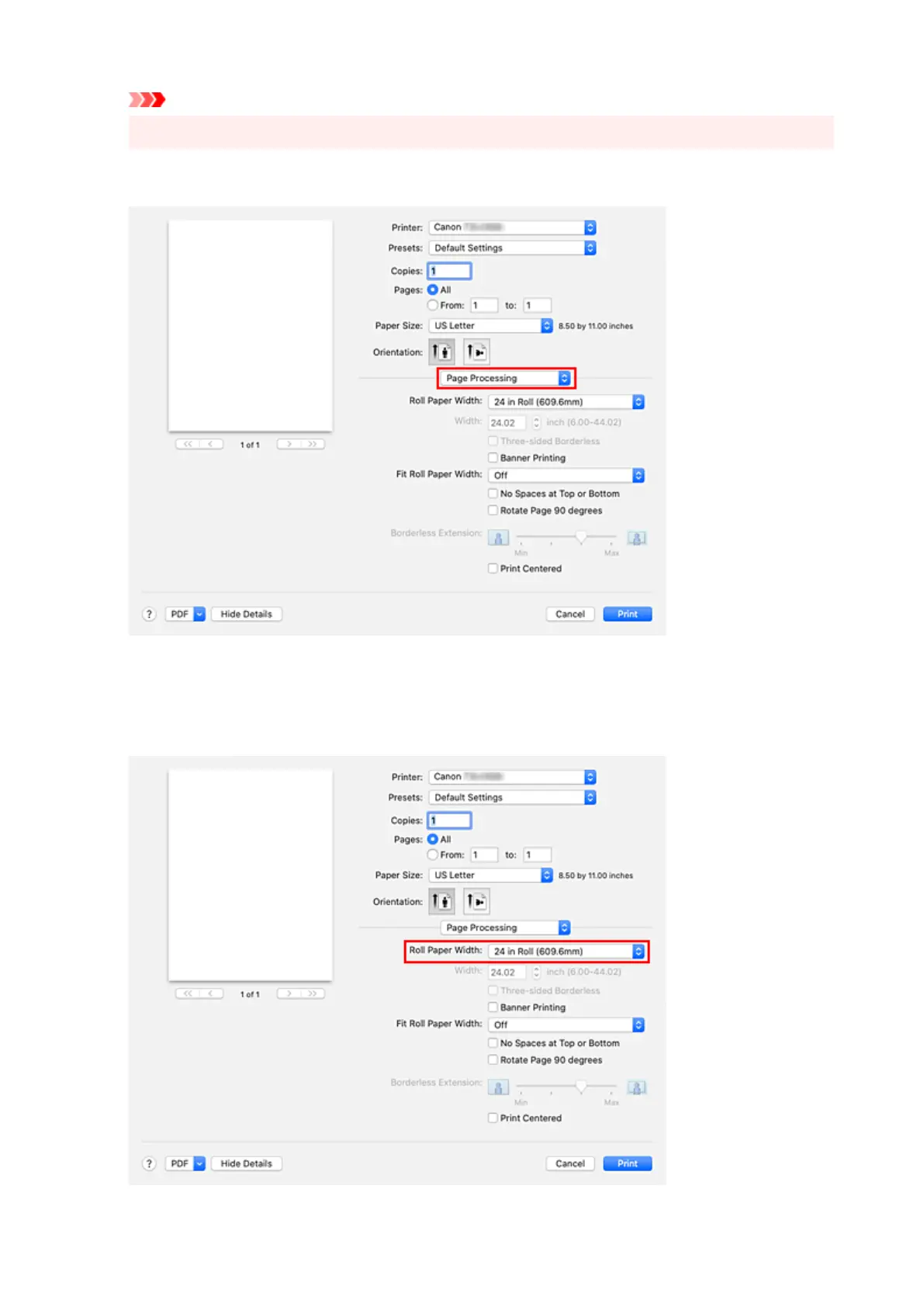
10. Select Page Processing from the pop-up menu10.
11.
Selecting Roll Paper Width
11.
If you selected a roll paper for Paper Source in Quality & Media, set Roll Paper Width to the width of
the roll paper loaded in the printer.
561












 To Next Page