Important
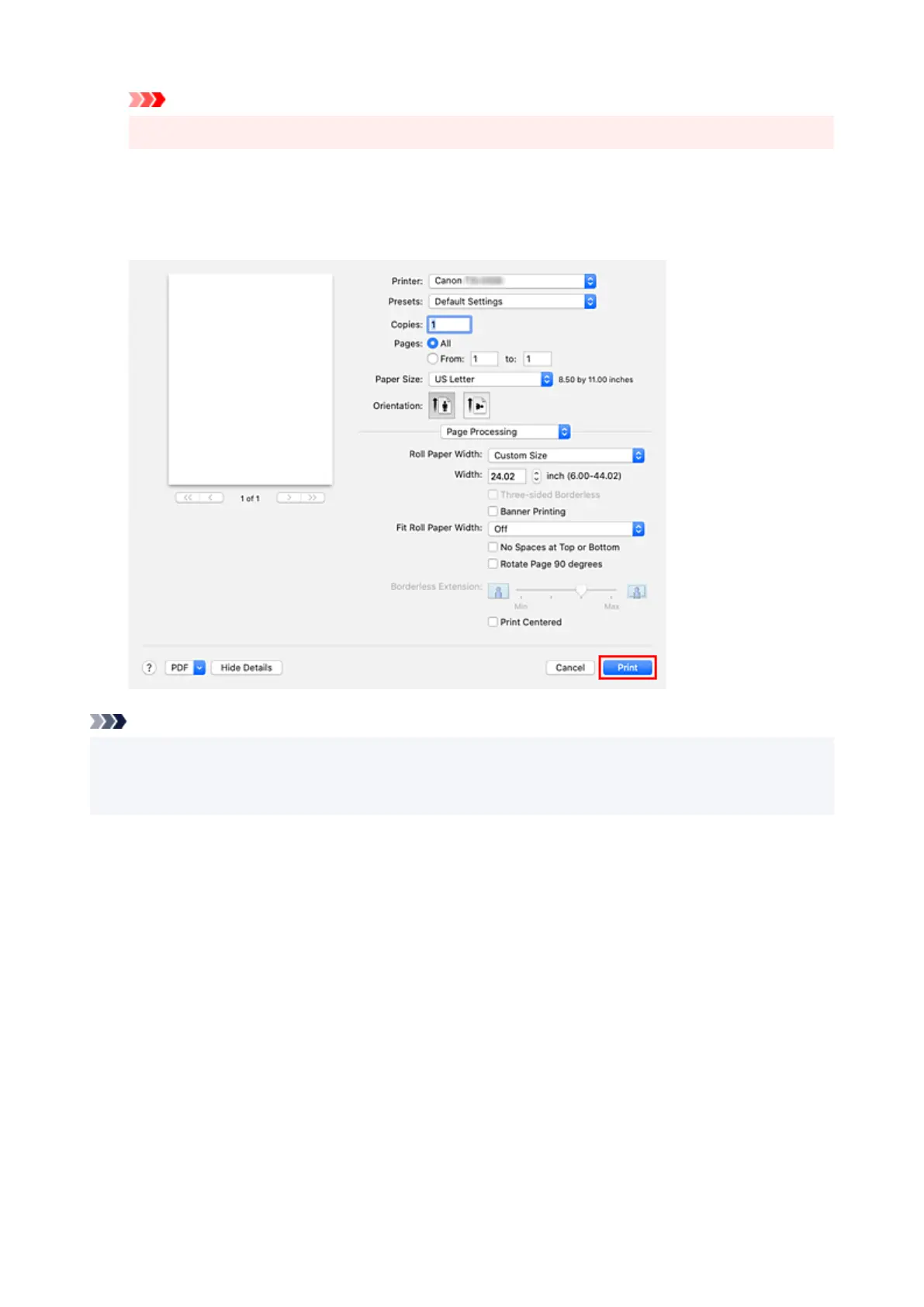
• If cut sheet is selected for the paper source, Roll Paper Width is grayed out and cannot be set.
12. Complete the setup12.
Click Print.
When you execute print, the document will be printed in accordance with the type and size of the media.
Note
• If the paper settings in the printer driver differ from the paper information registered on the printer, an
error message may appear on the printer's operation panel. You can still print but you may not be able
to obtain correct print results.
562












 To Next Page